Connecting Claude
You need the Claude desktop app and a Graphite Atlas account.
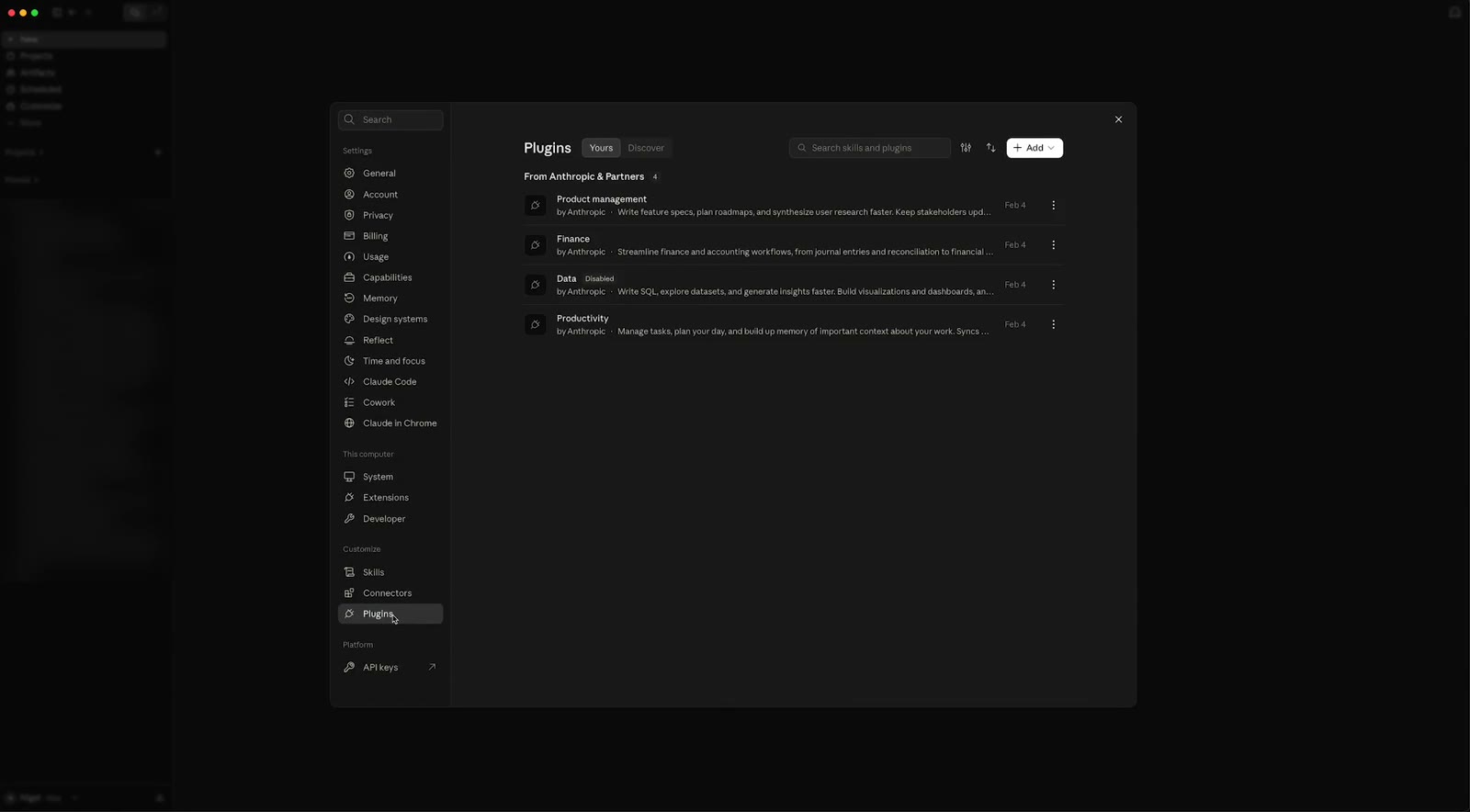
Open the Claude desktop app and go to Settings > Customize > Plugins.
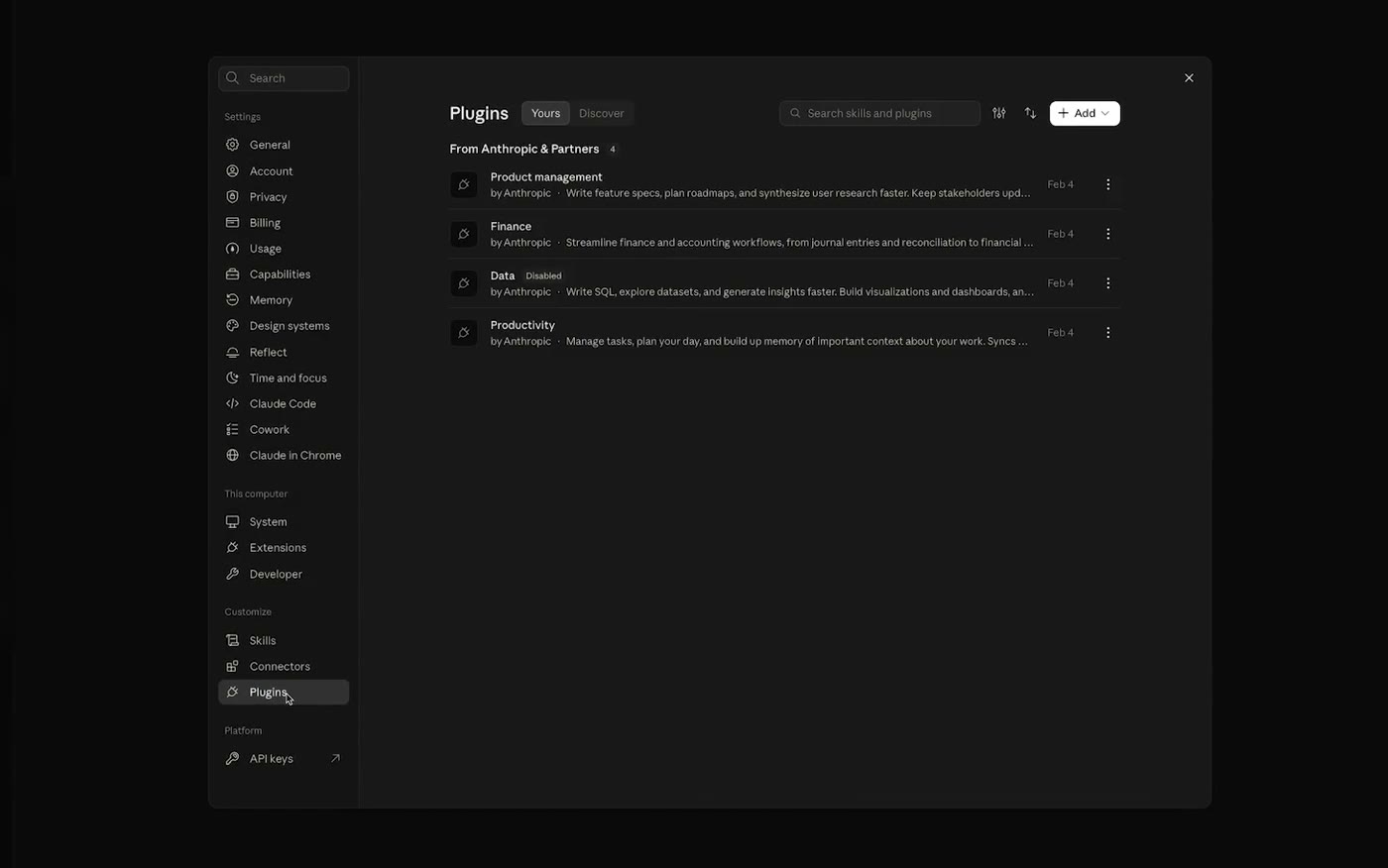
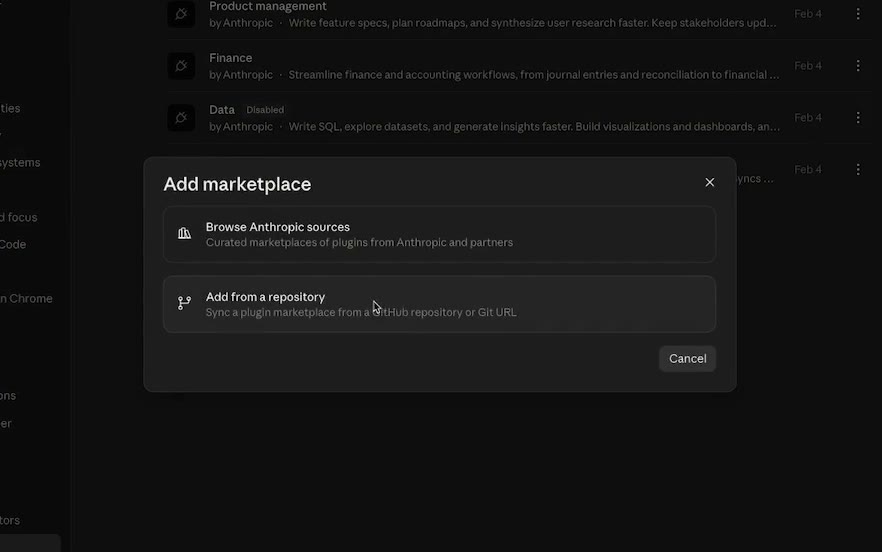
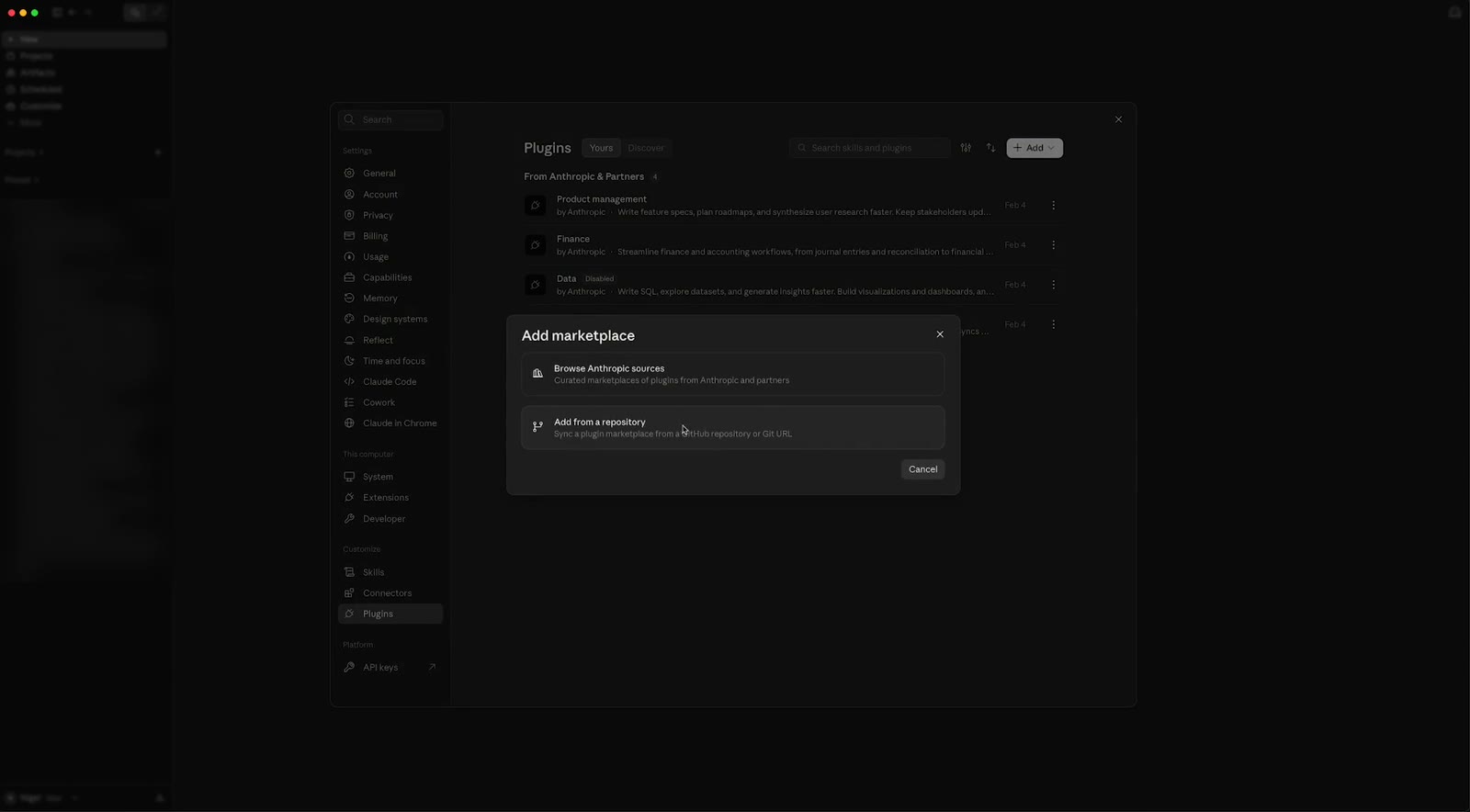
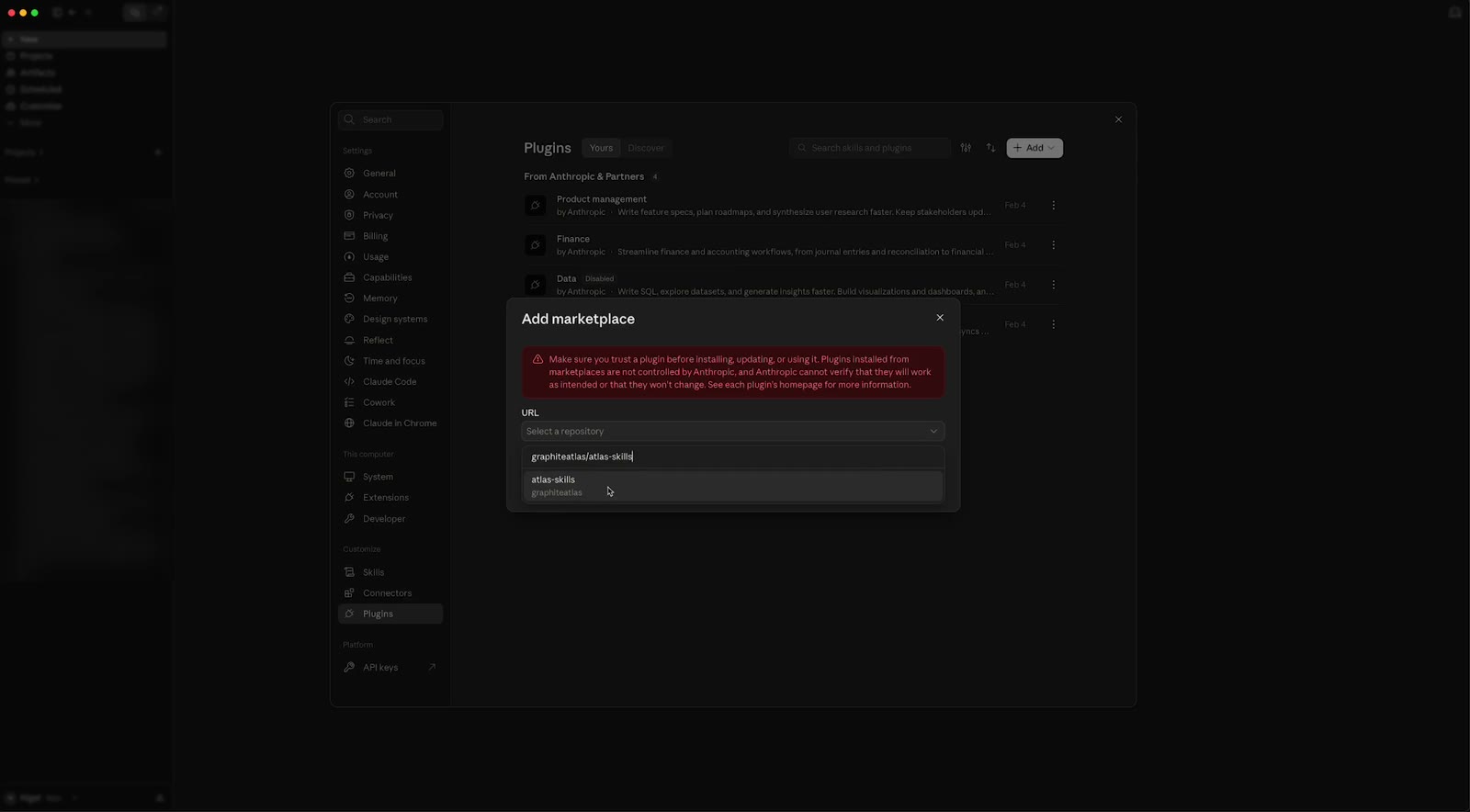
Click Add, then Add marketplace, then Add from a repository.
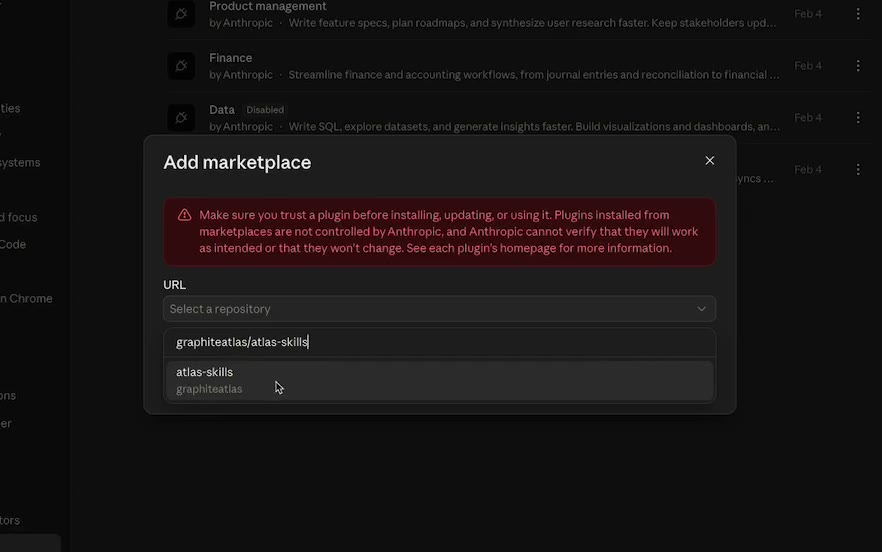
Type graphiteatlas/atlas-skills. It appears as you type.
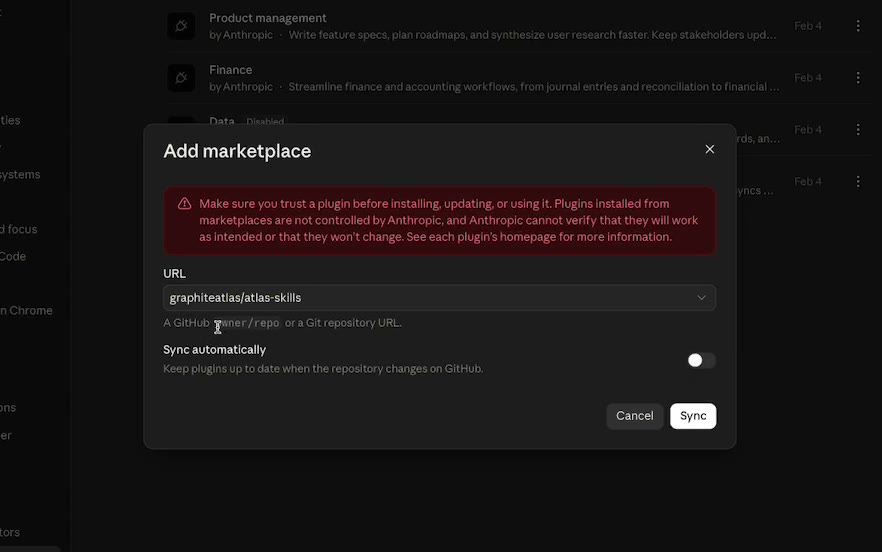
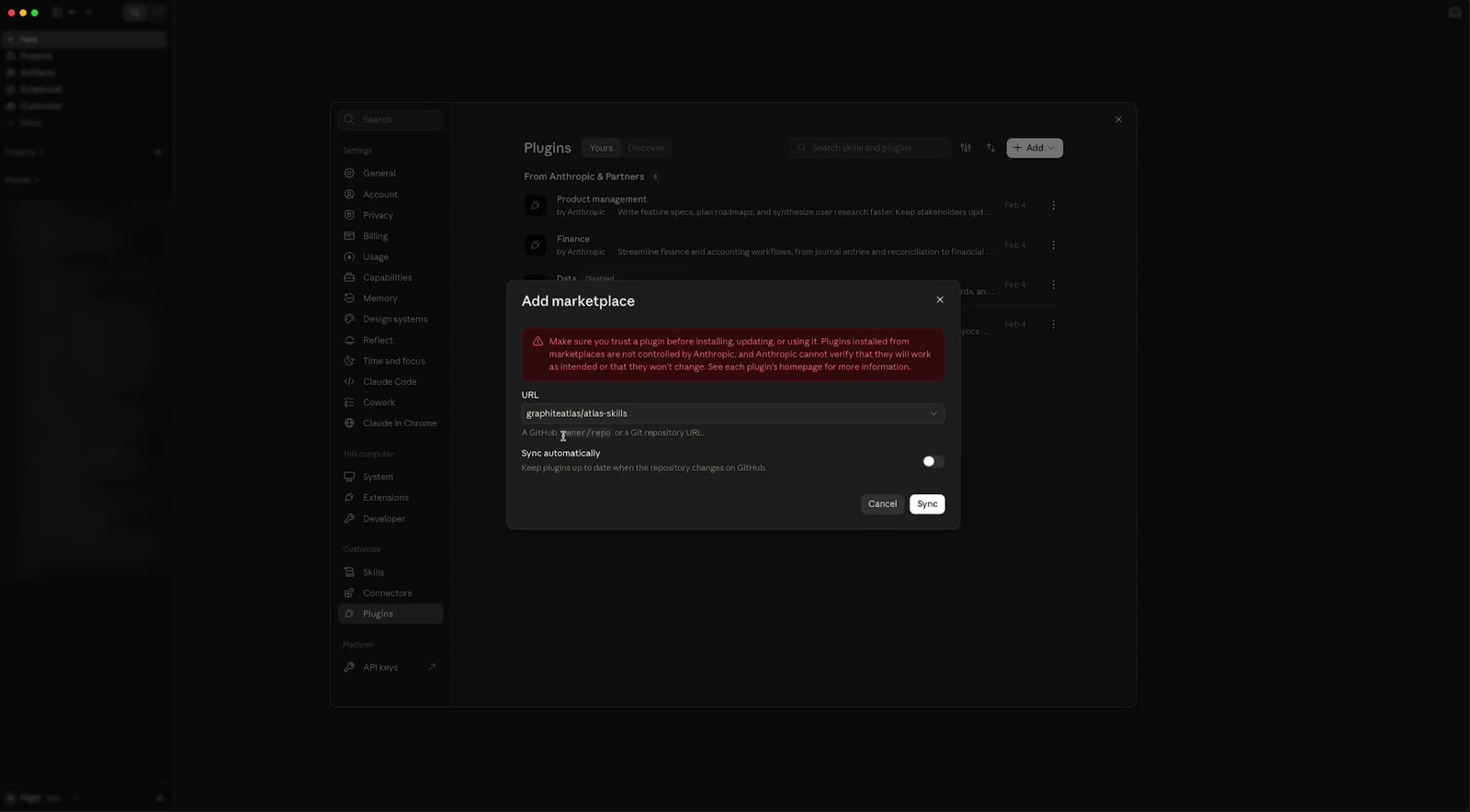
Leave Sync automatically off (it needs a GitHub account) and click Sync. You can sync by hand later.
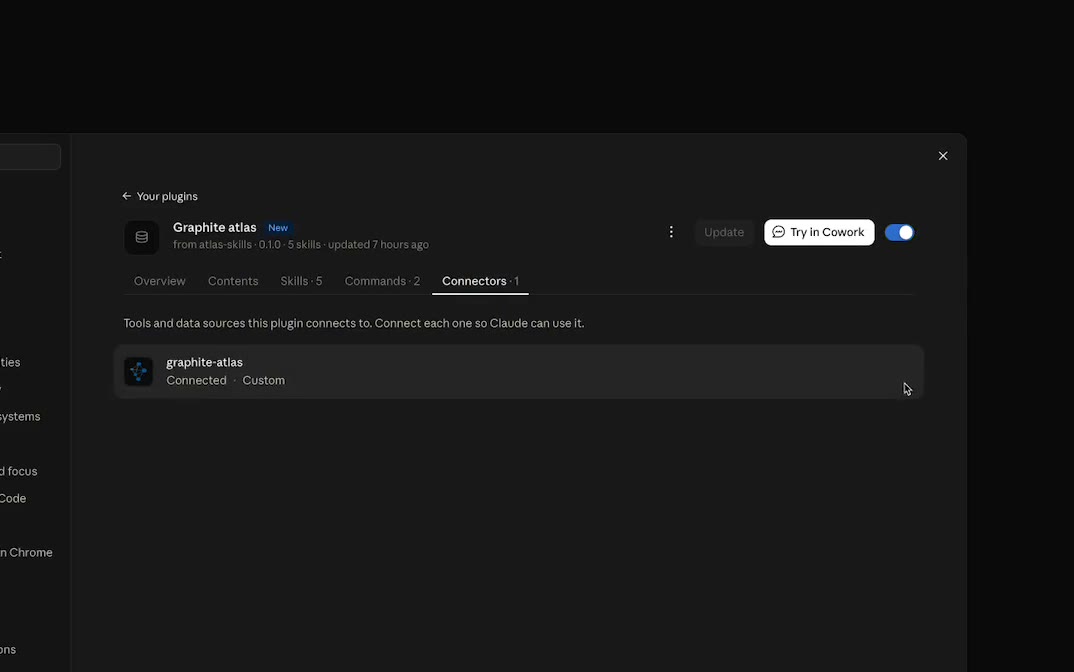
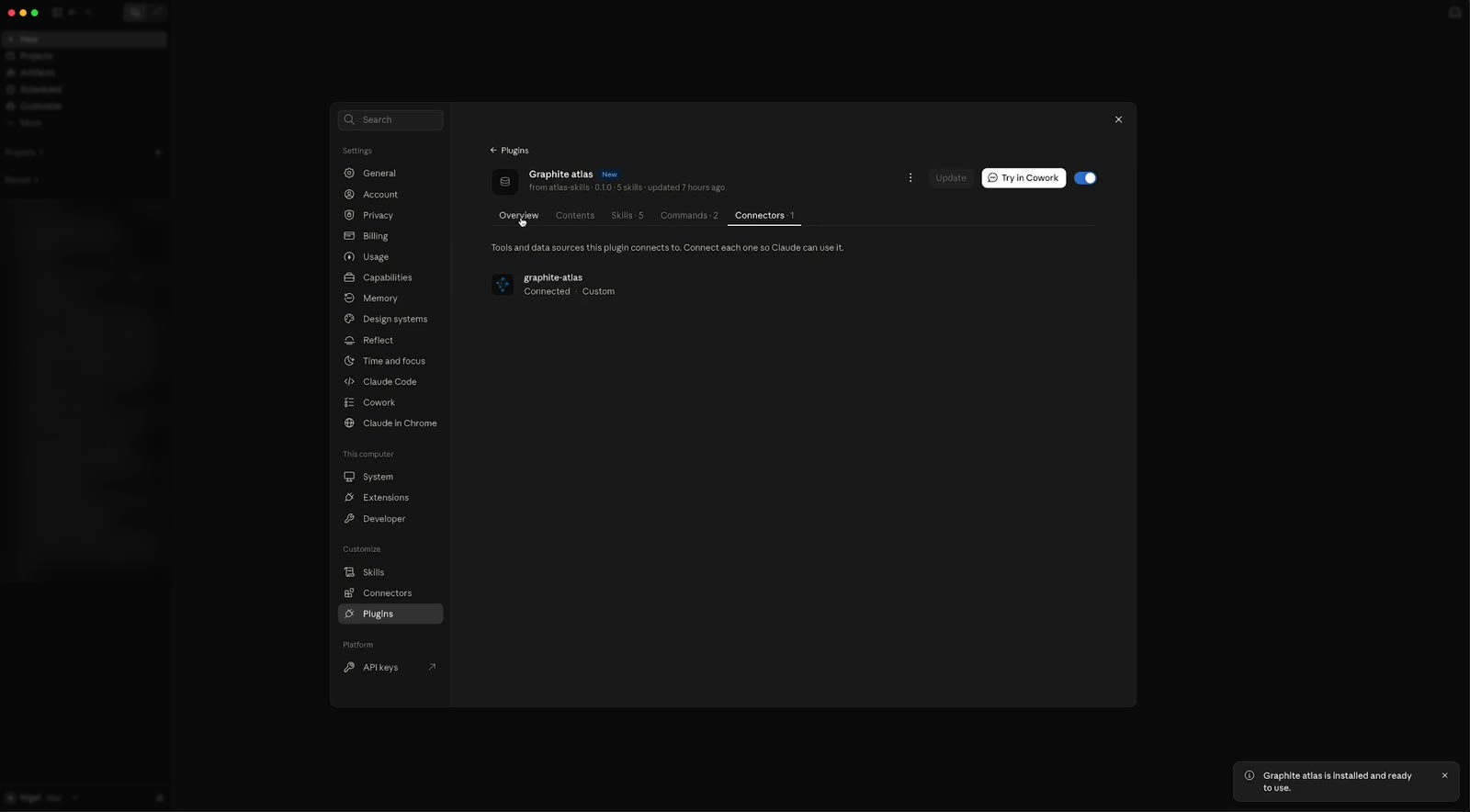
Add the Graphite Atlas plugin. Its page shows what it includes: the Skills, and under Connectors, the connection to Atlas.
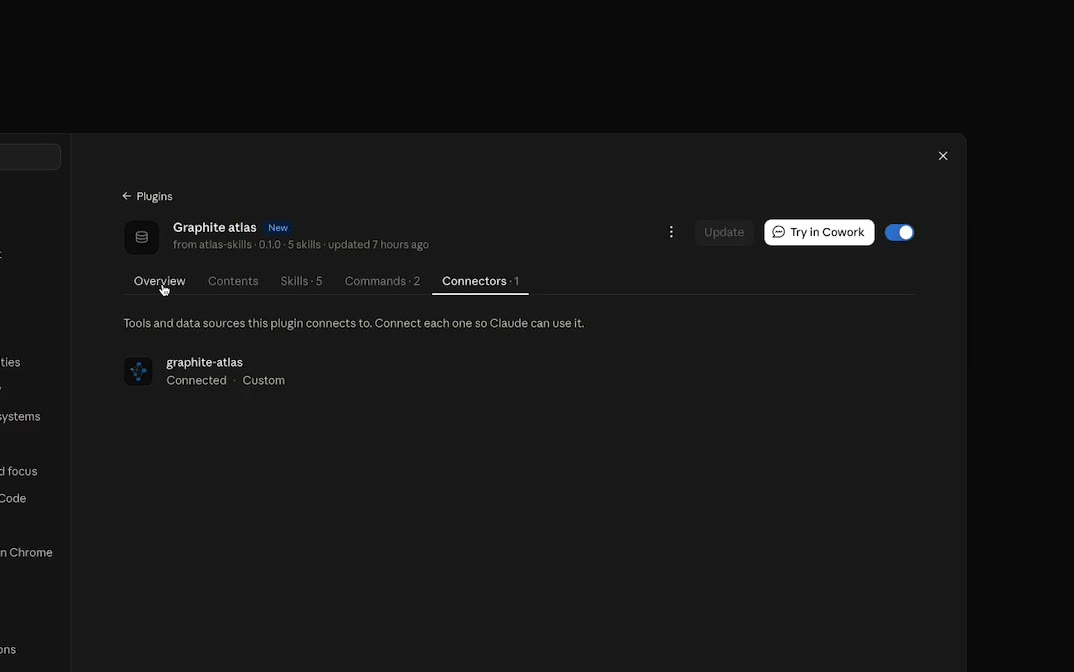
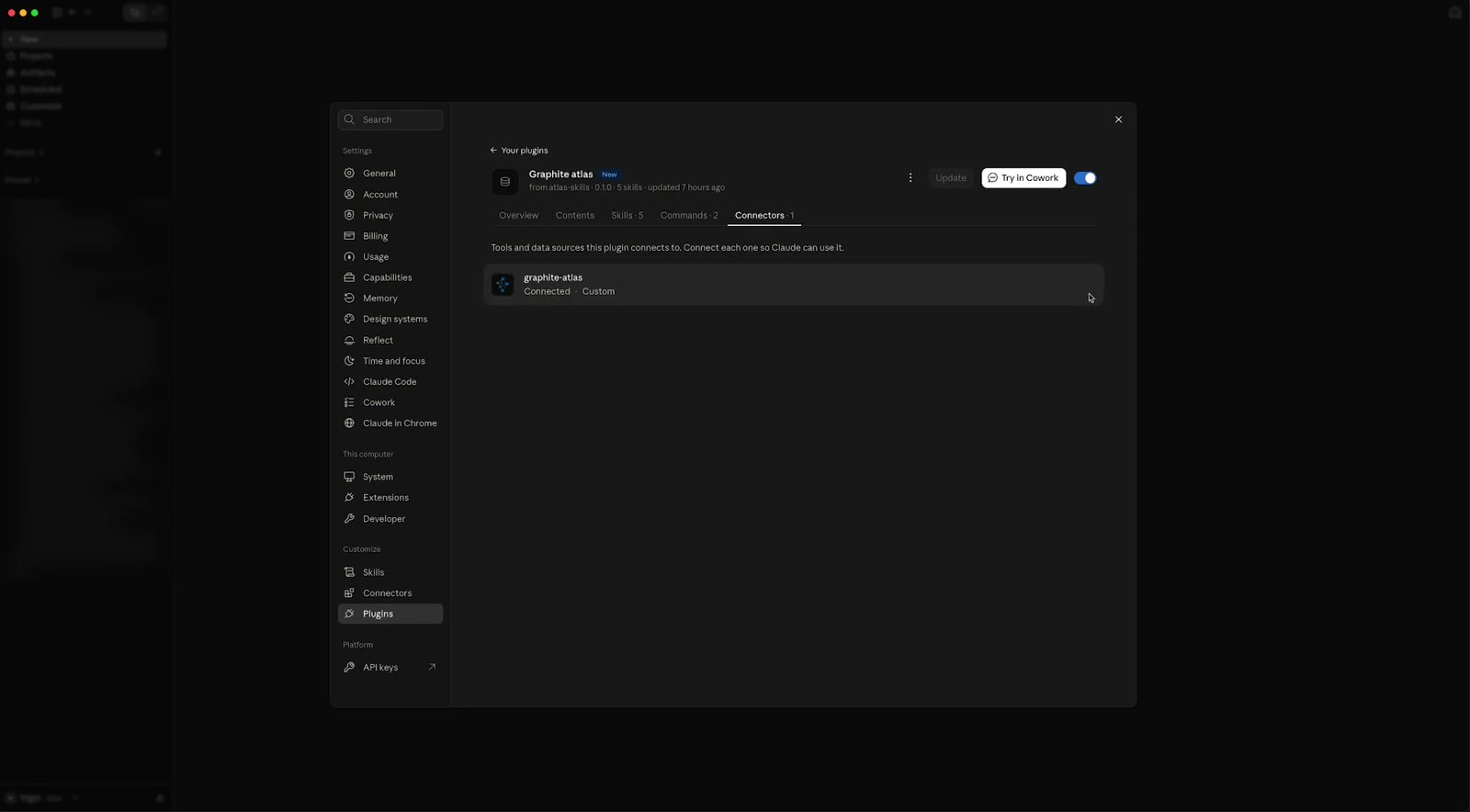
Under Connectors, click Connect (or Log in). A browser page opens: click Allow. Graphite Atlas then shows as connected.
Try it. Ask Claude about a process by name, for example "Walk me through how Pilot Build works in our atlas." Claude searches your atlas and answers from it.
More
- The same plugin works in Cowork and Claude Code. For other AI tools, see Connect Your AI.
- If the connector will not connect, see Troubleshooting.