Points, paths and types
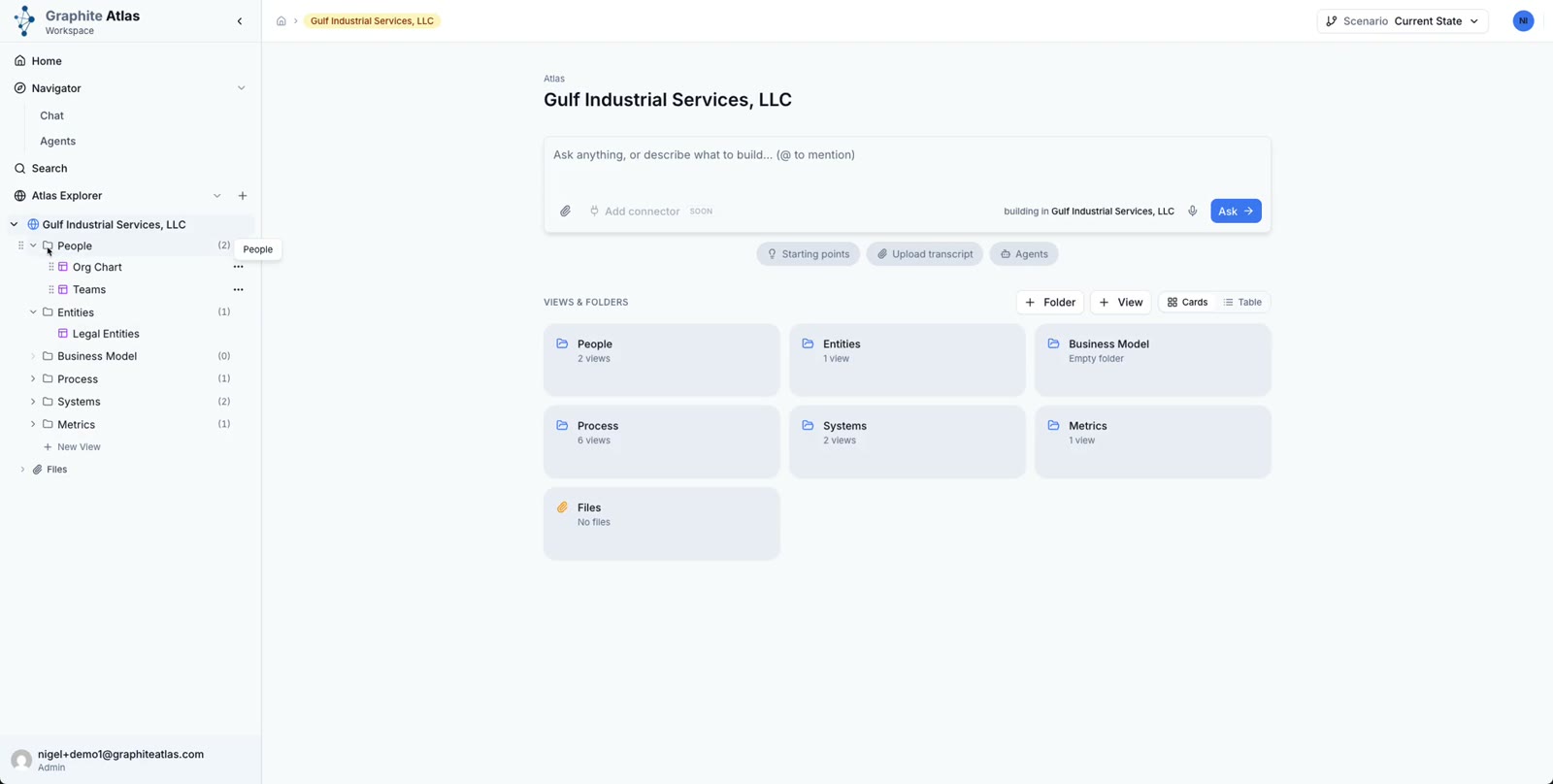
In Atlas Explorer, open the folders to see the views inside.
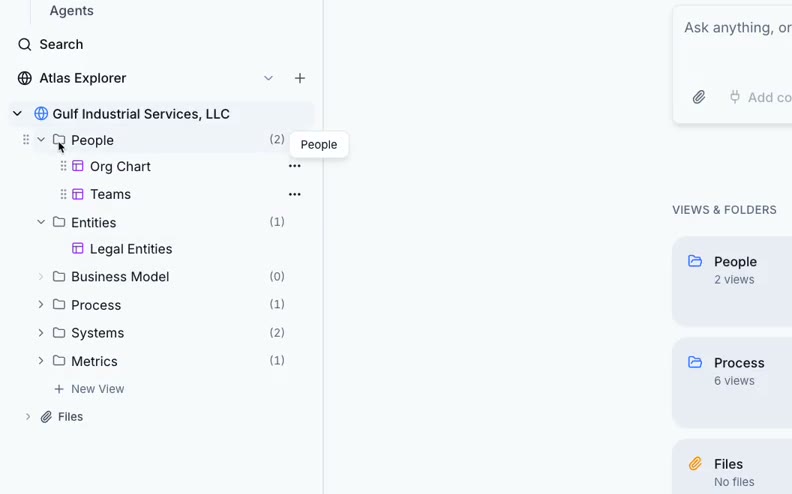
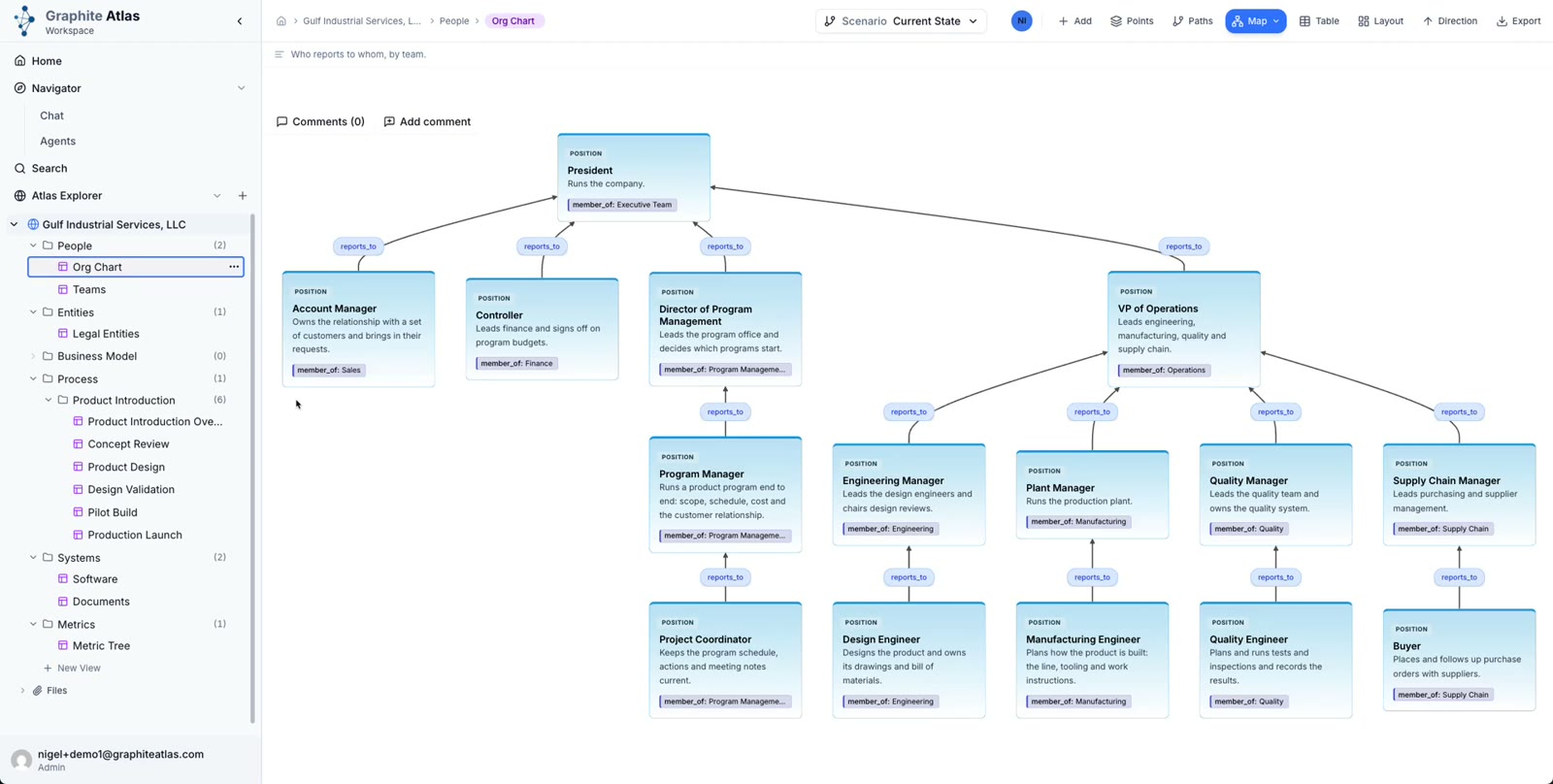
Open People > Org Chart.
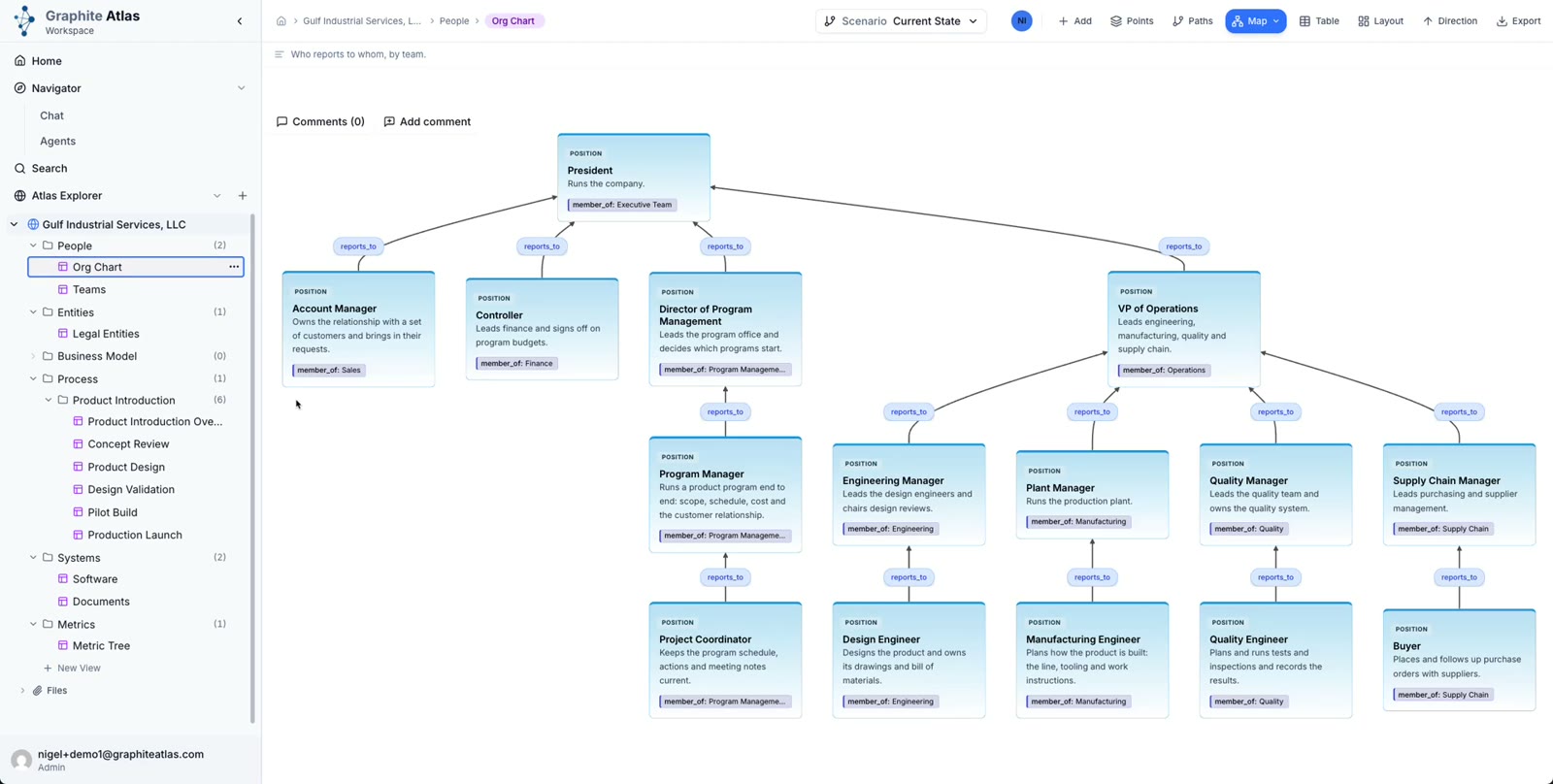
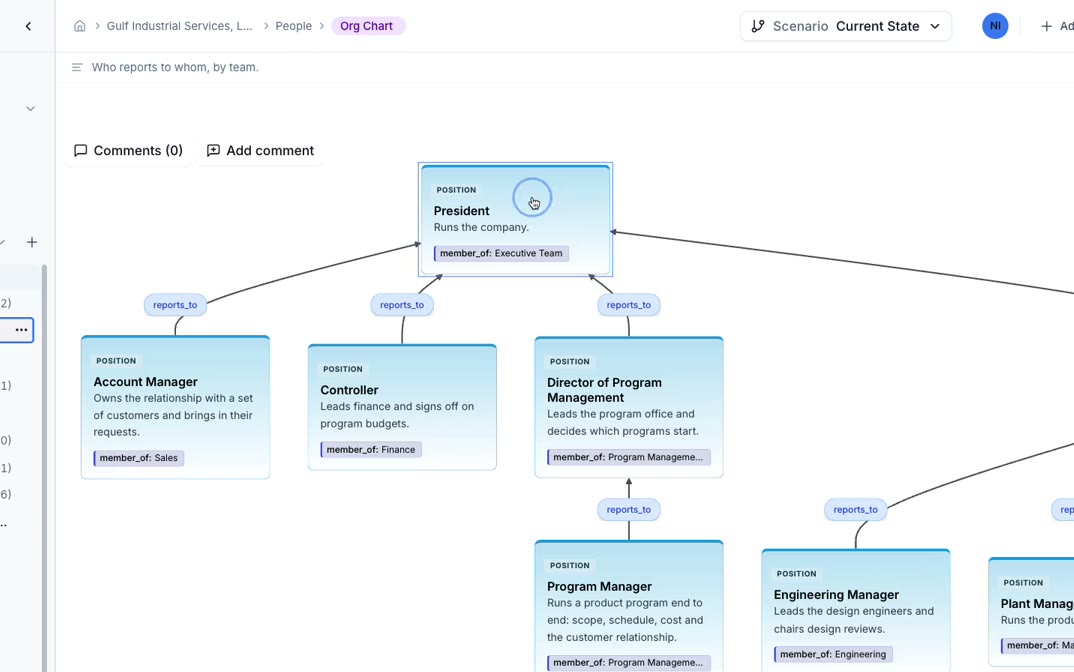
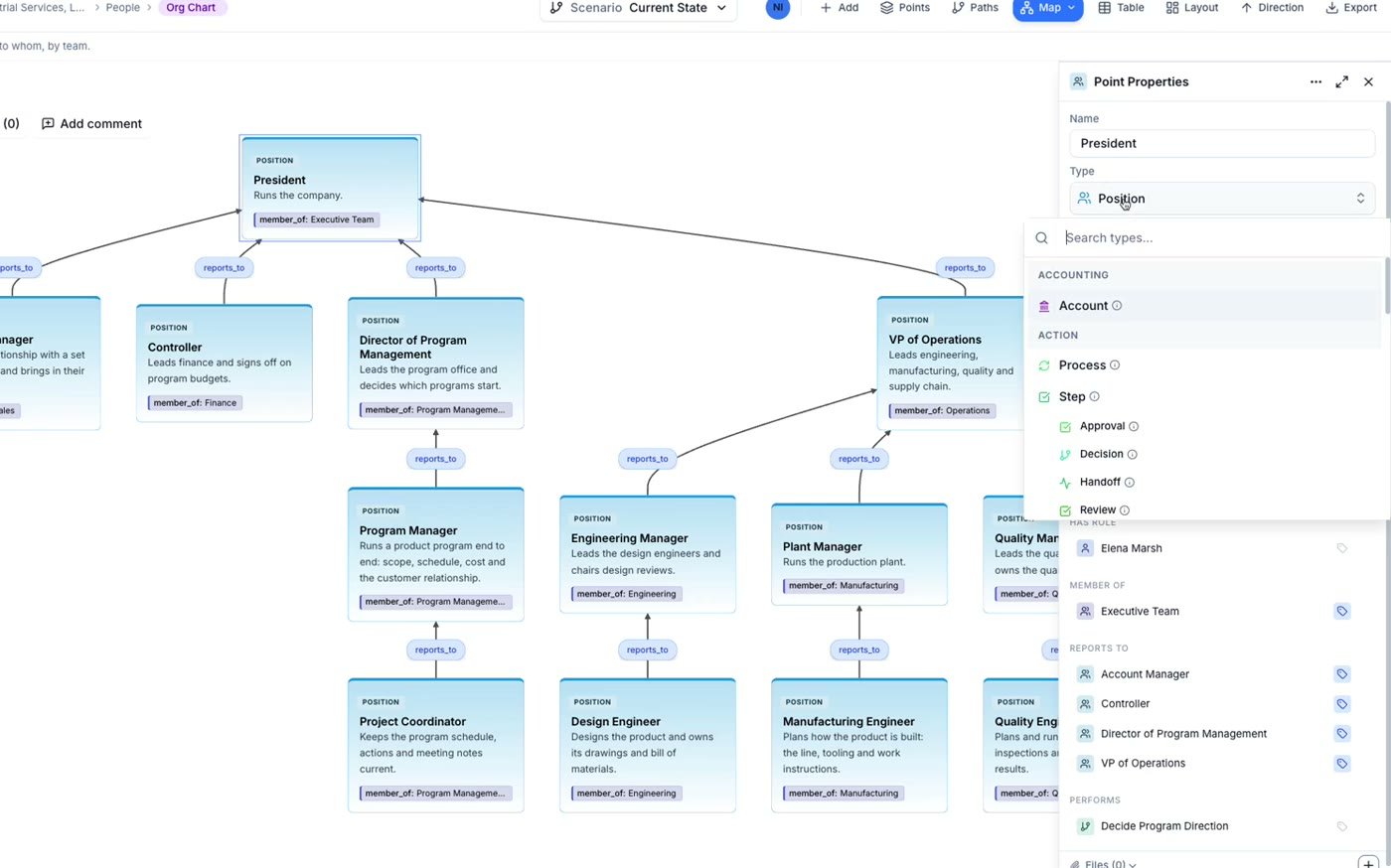
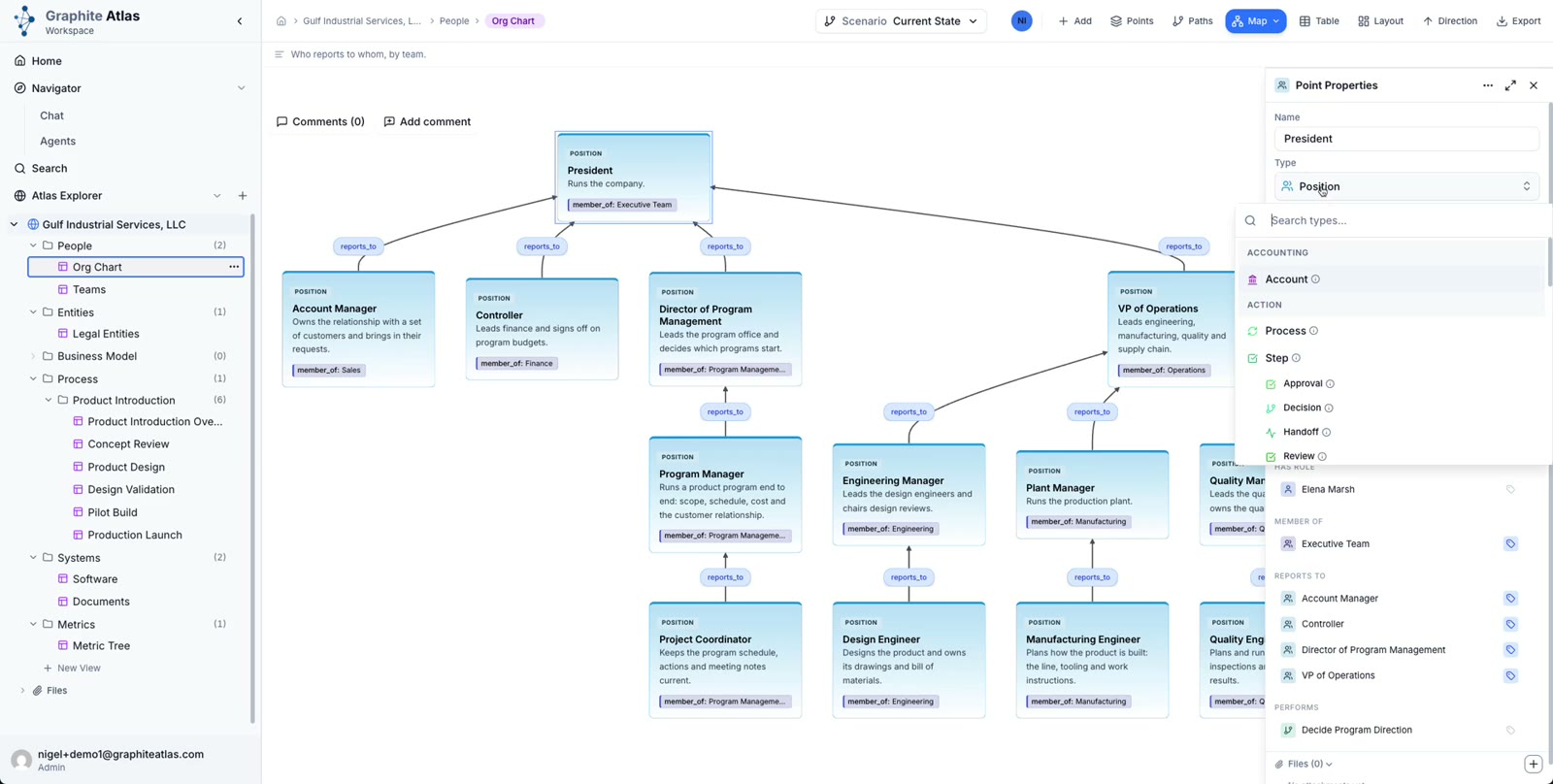
Each box is a point: one thing in the business, such as a position, a person, a system or a document.
Each arrow is a path. Its label says how the two points relate, here
reports_to.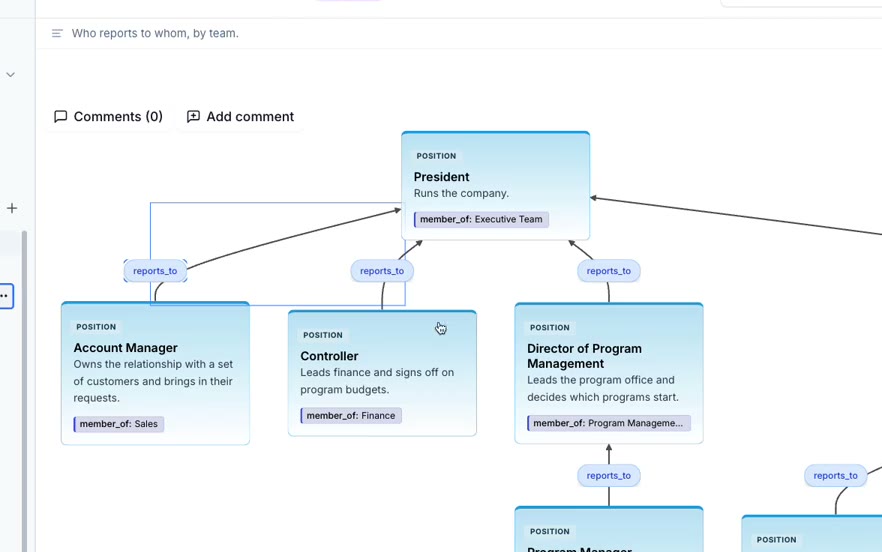
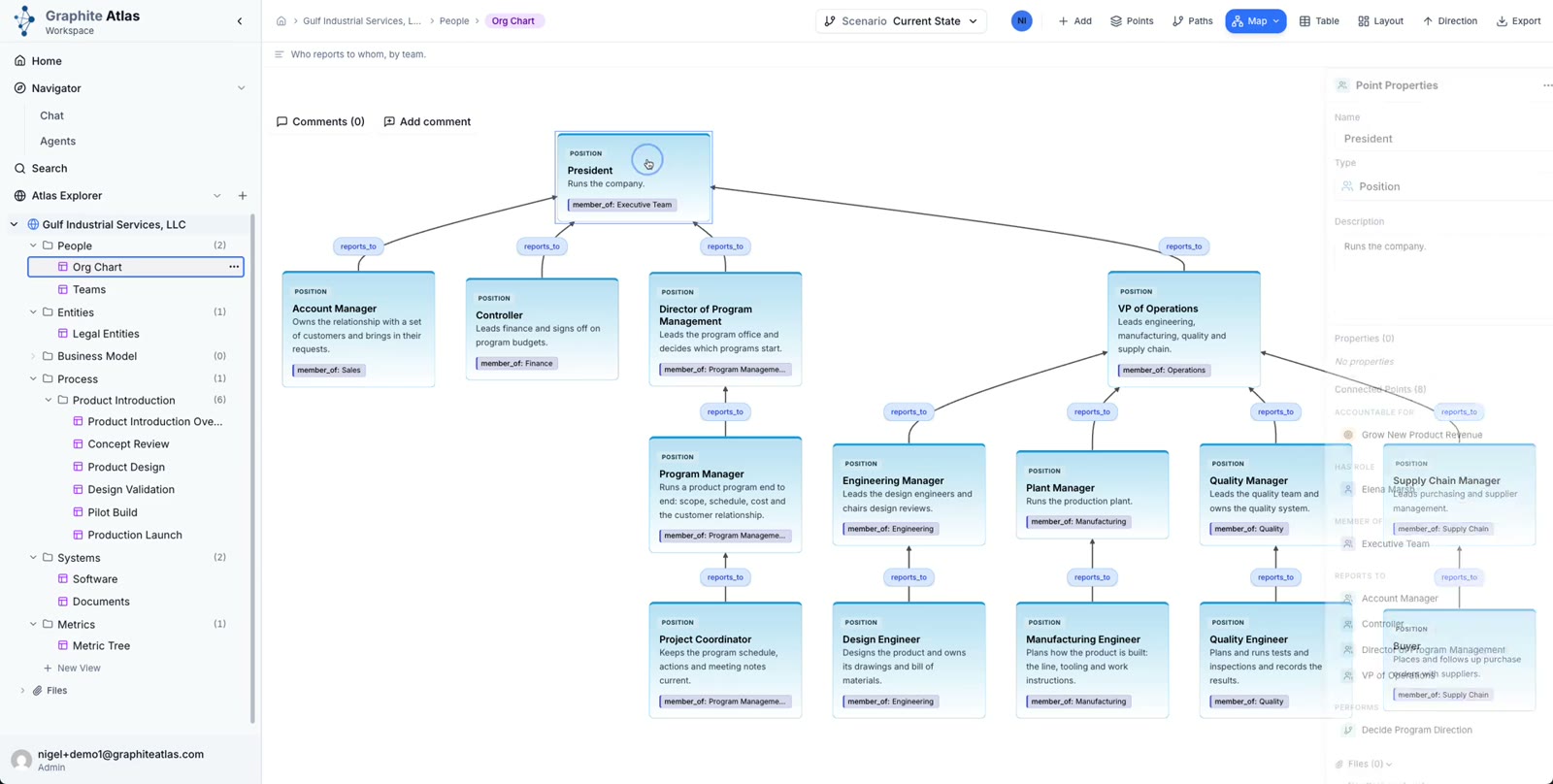
Every point has a type. The President is a Position: a role that exists whoever fills it.
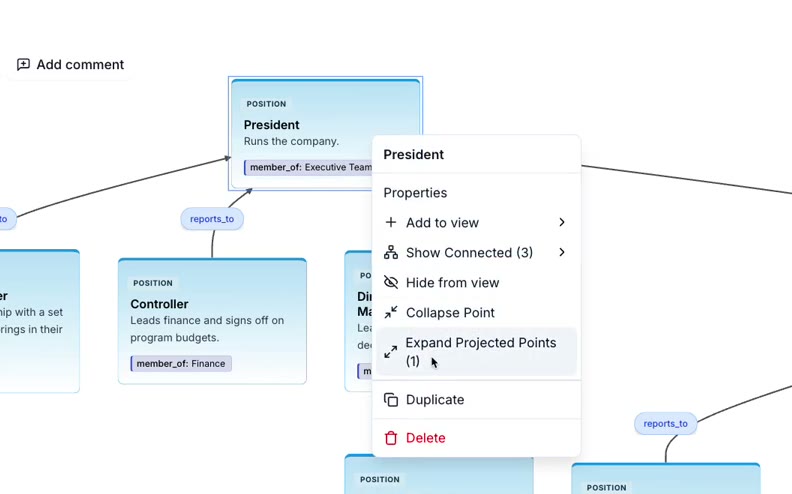
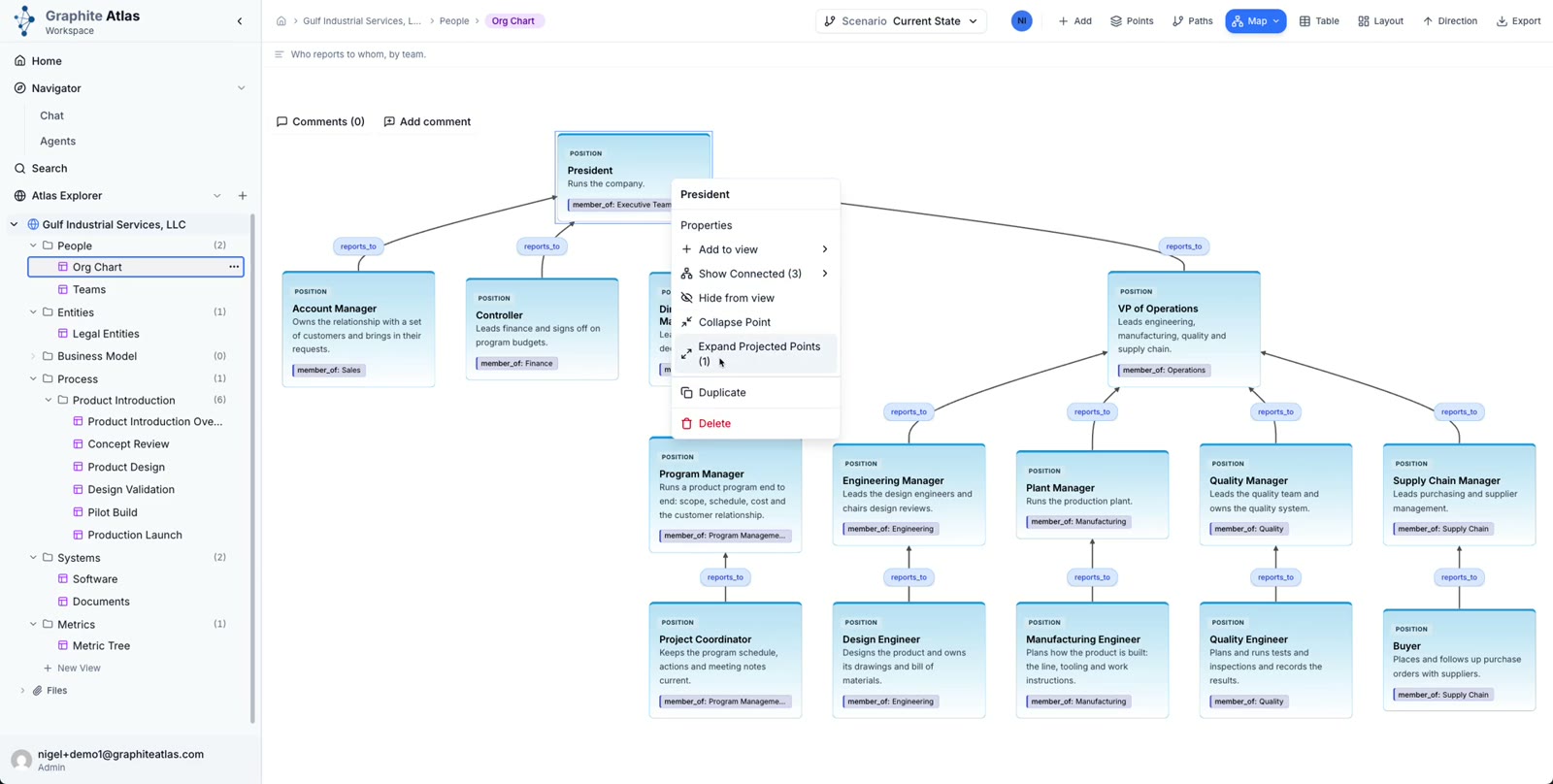
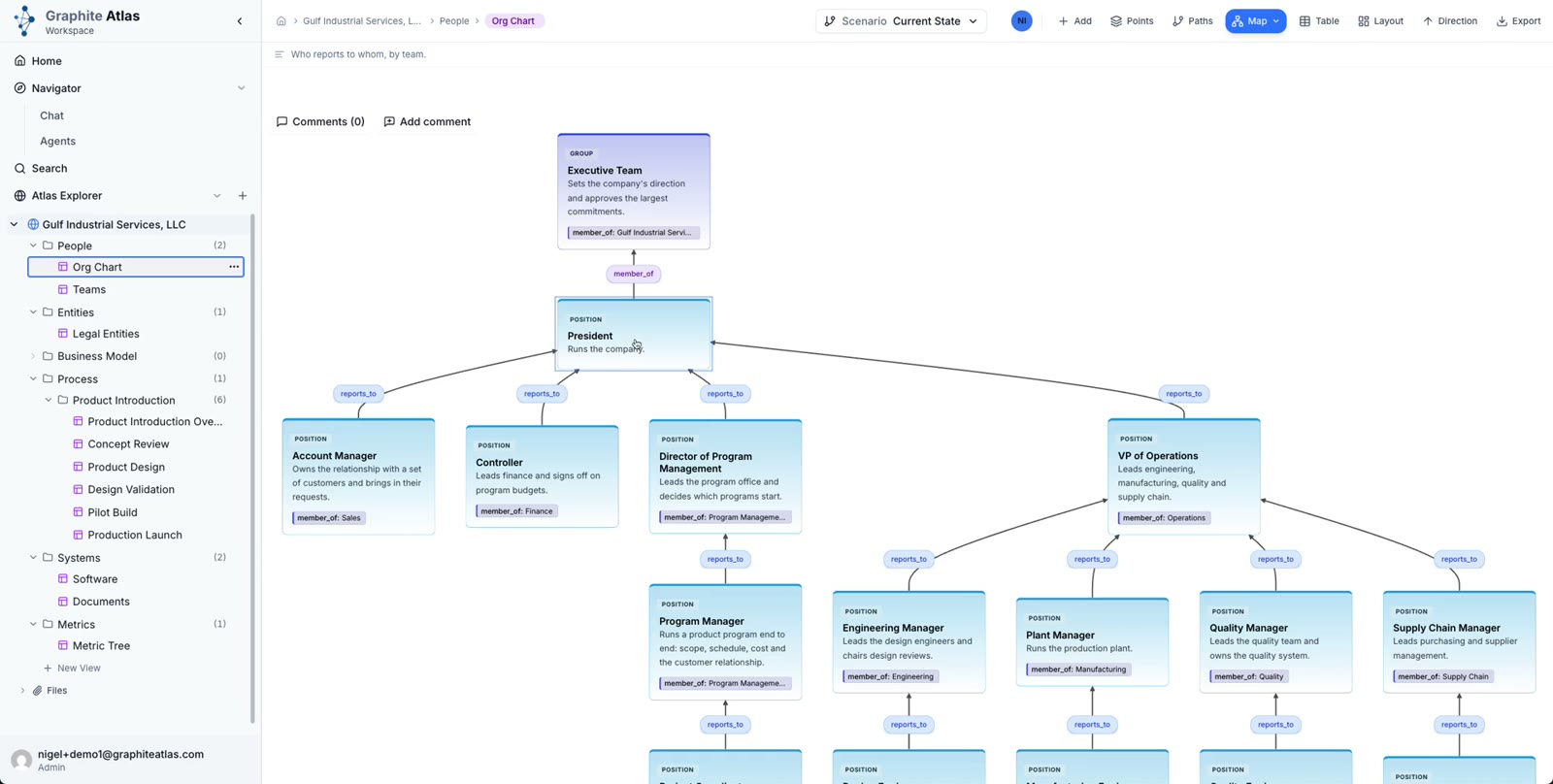
The small pills on a card are more connected points. Right-click the card and choose Expand Projected Points to show them as cards of their own.
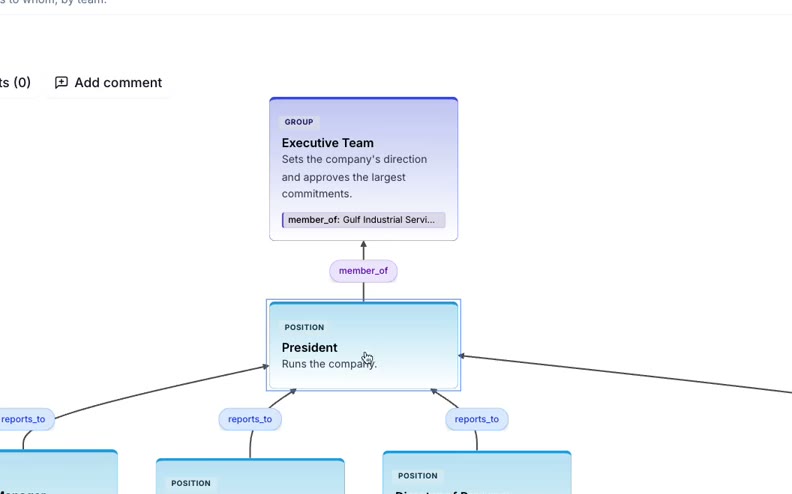
Here the President is a member of the Executive Team, a Group.
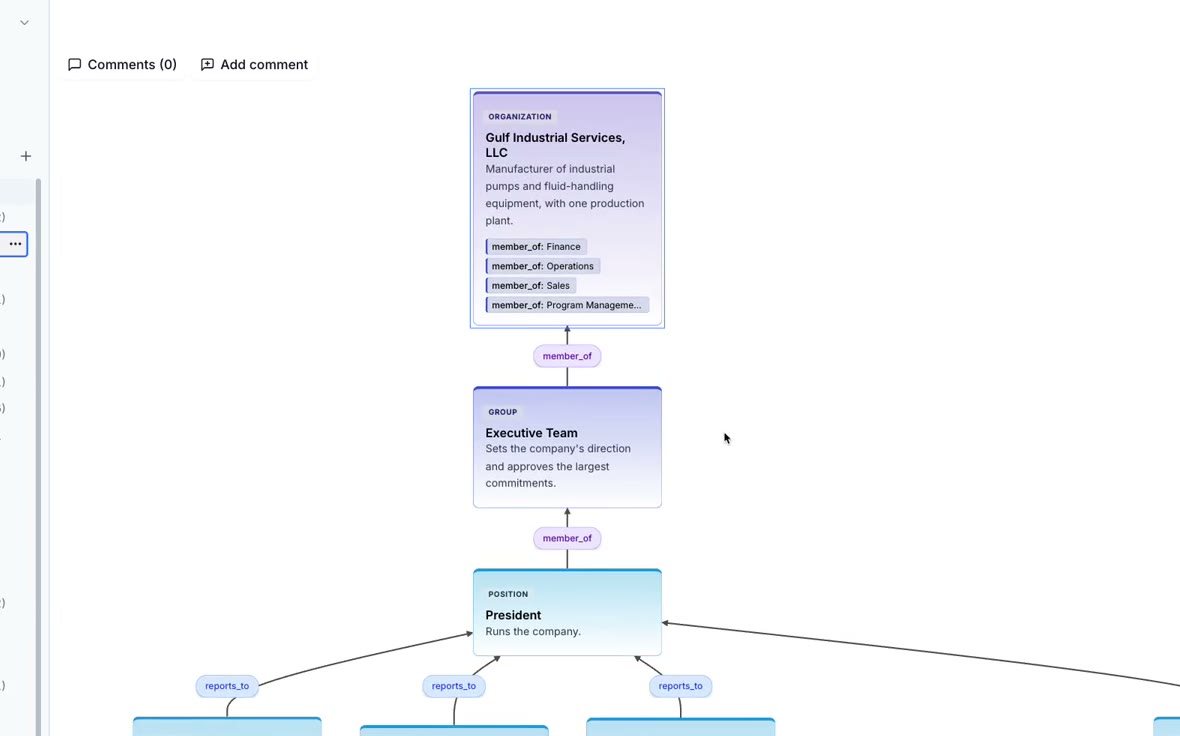
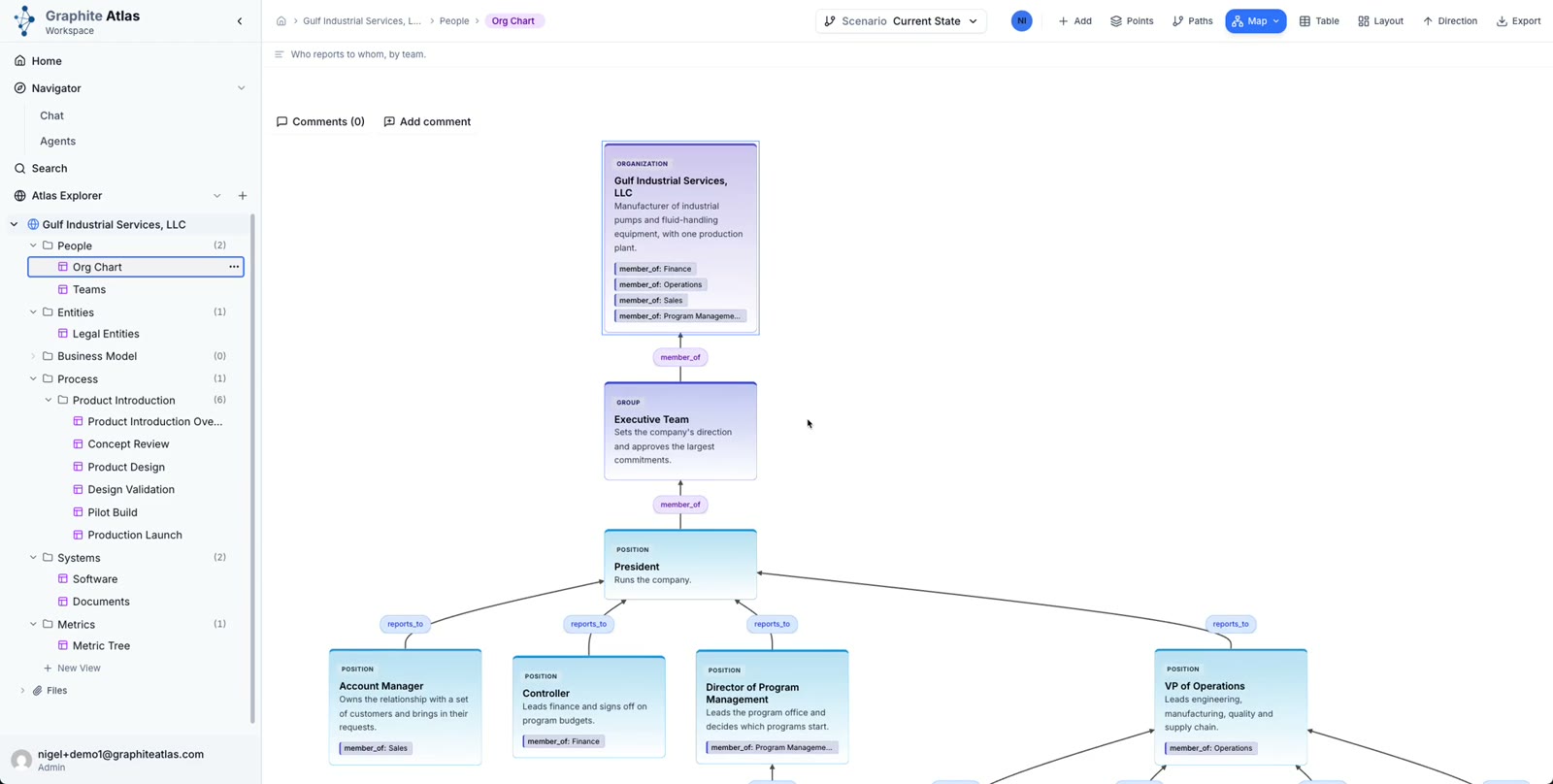
Expand again and the Executive Team is part of the company, an Organization. Collapse them when you are done.
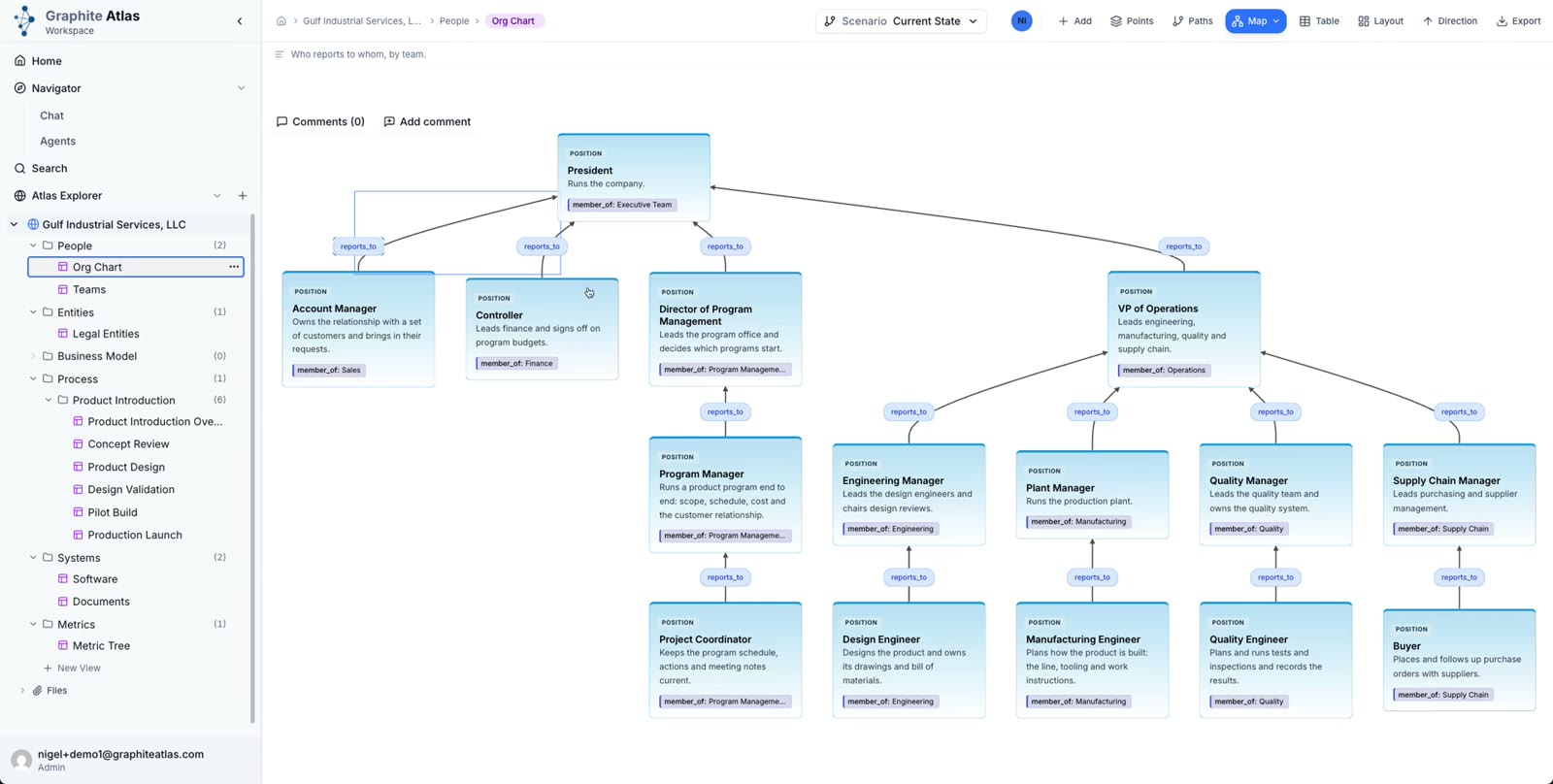
Clicking around does not change anything in the atlas.