Signing in
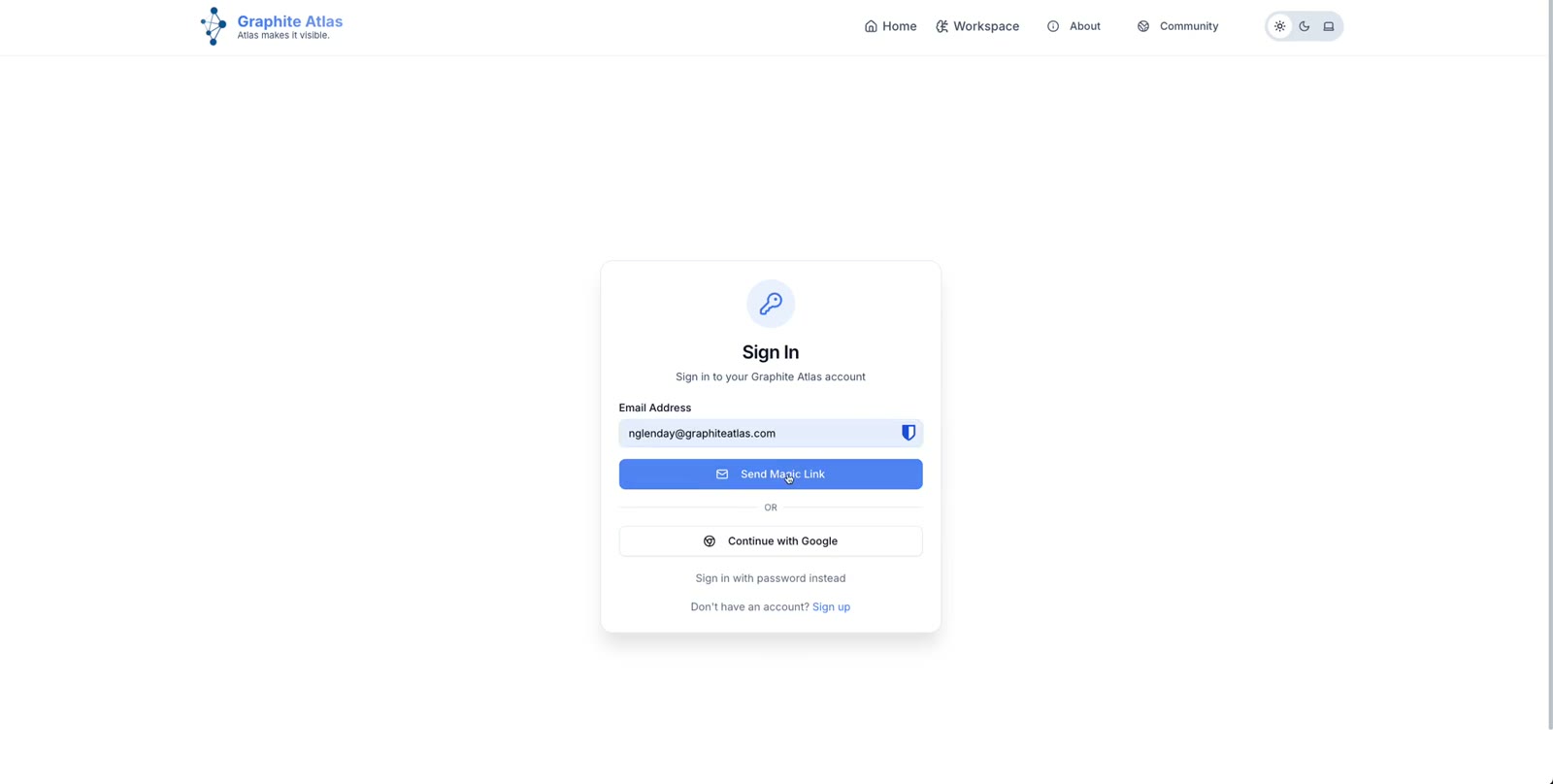
Go to graphiteatlas.com and open the sign-in page.
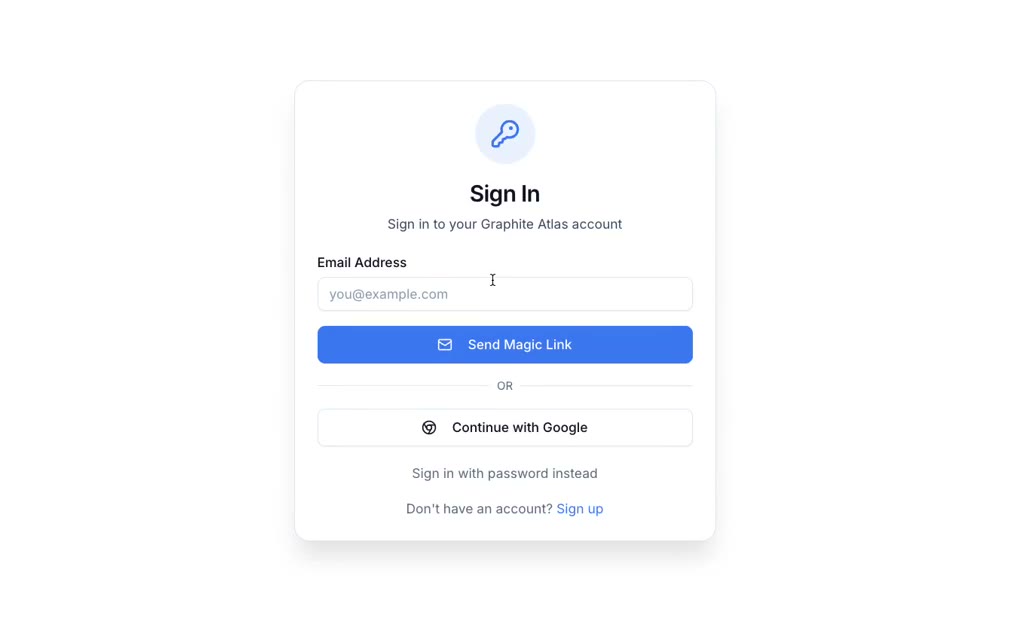
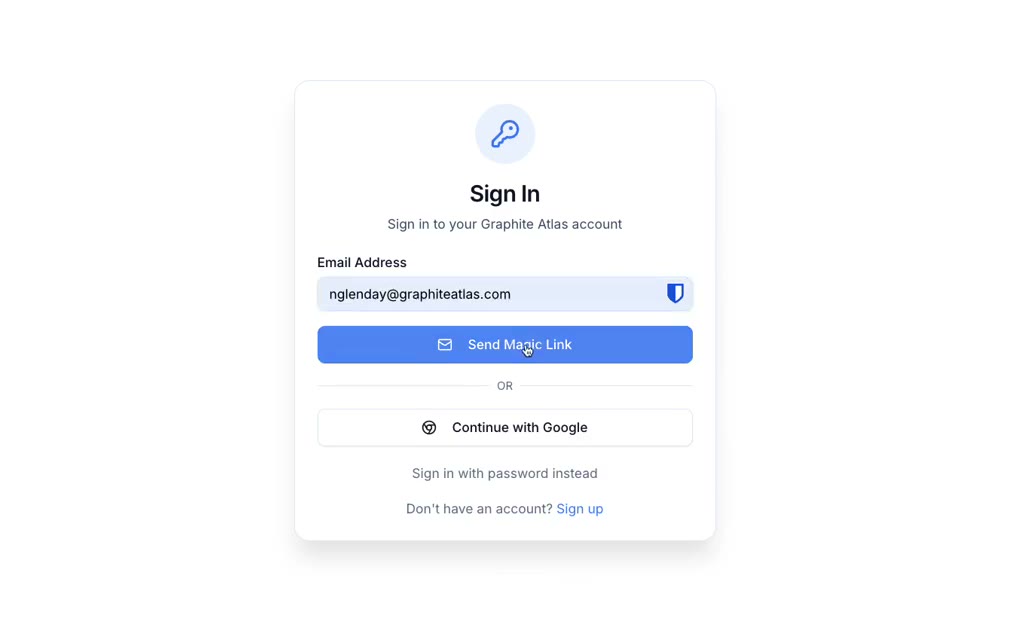
Enter your work email address and click Send Magic Link.
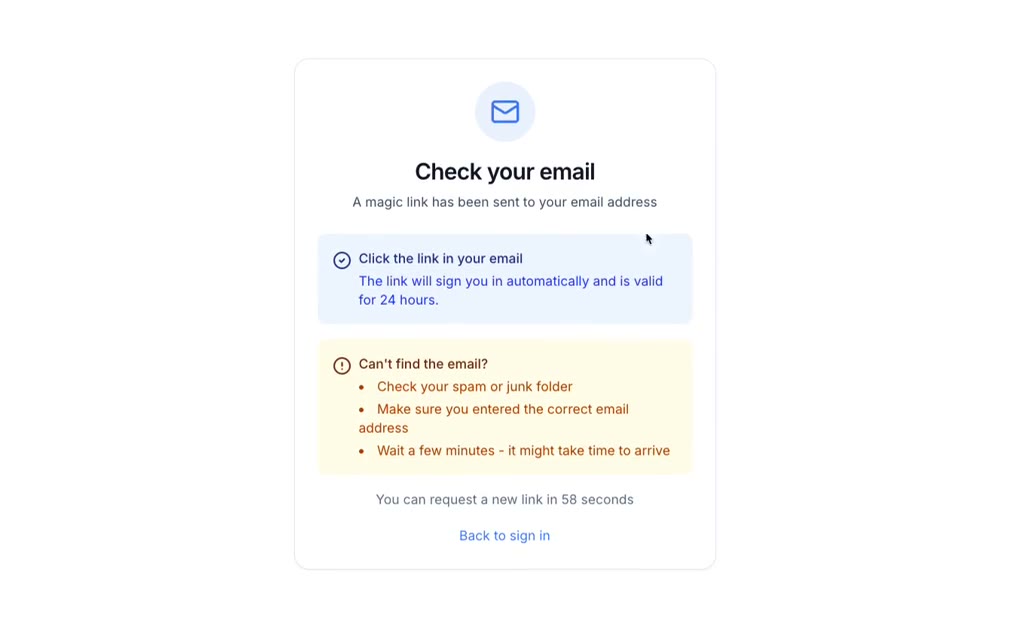
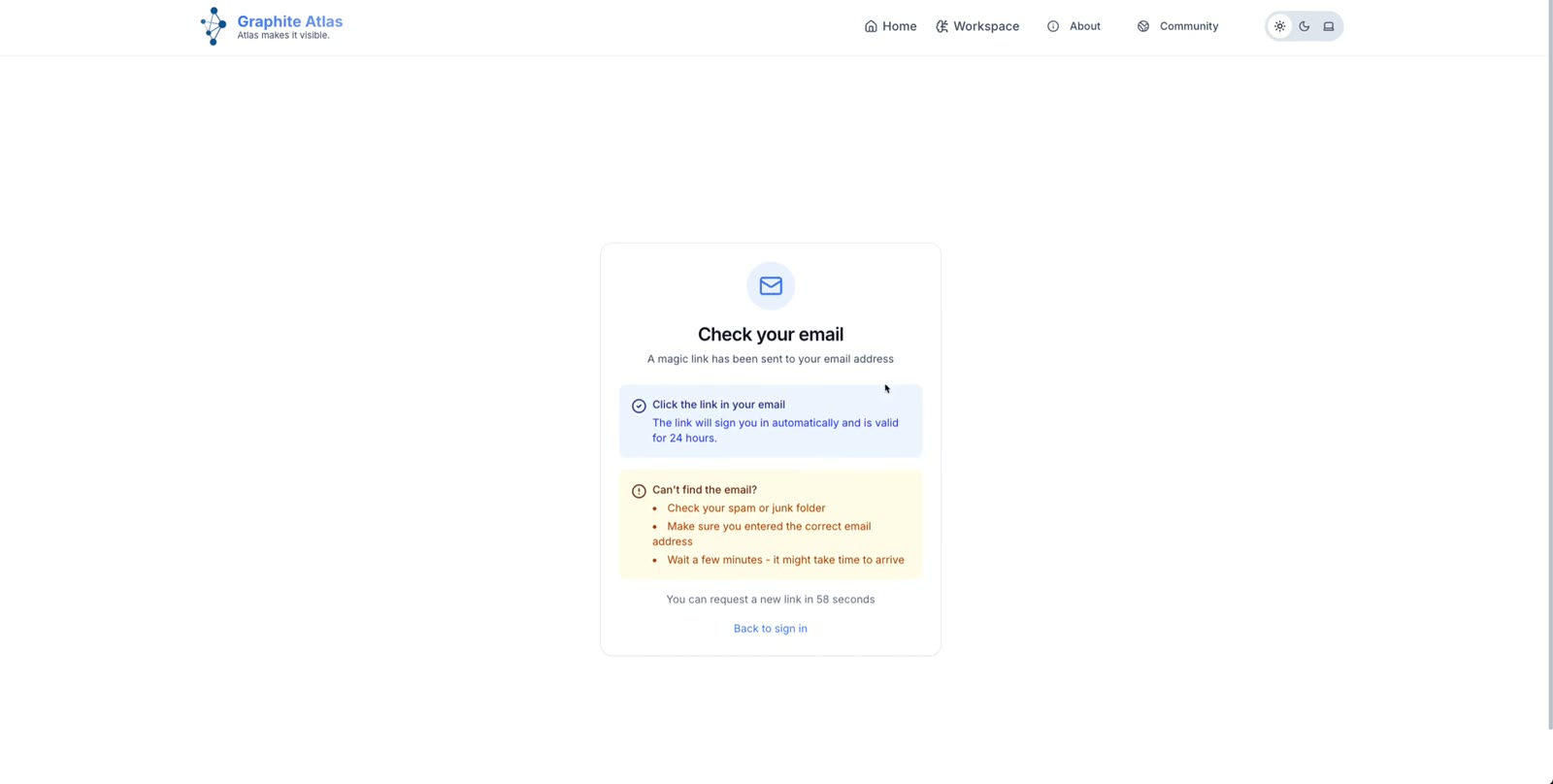
Check your email. If it has not arrived after a minute or two, look in your spam or junk folder: some company filters hold it there.
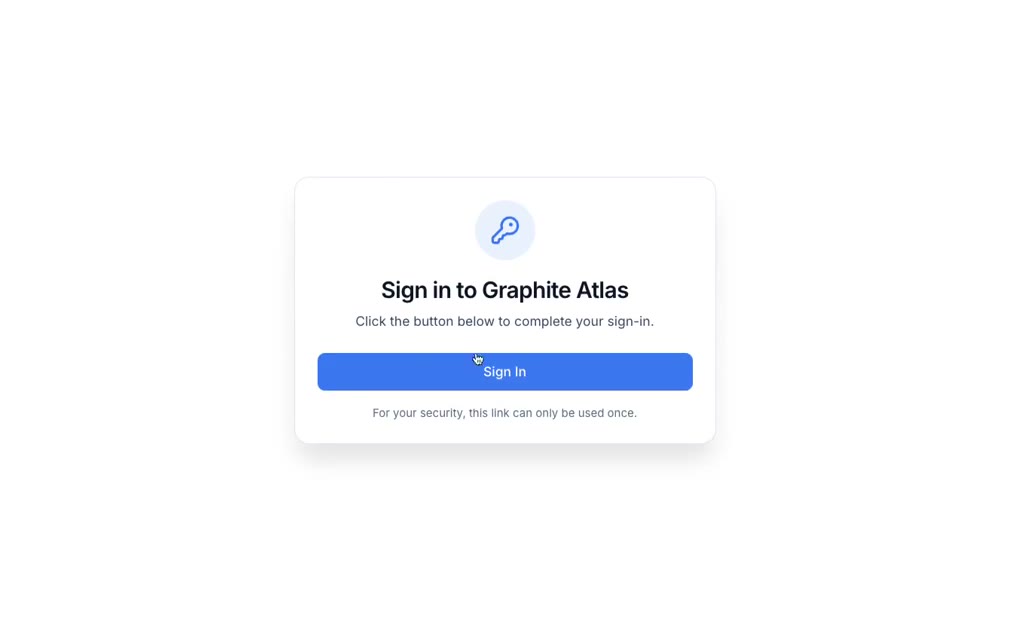
Open the email and click Sign in. A page asks you to confirm: click Sign in again, and your workspace opens.


Using a password instead
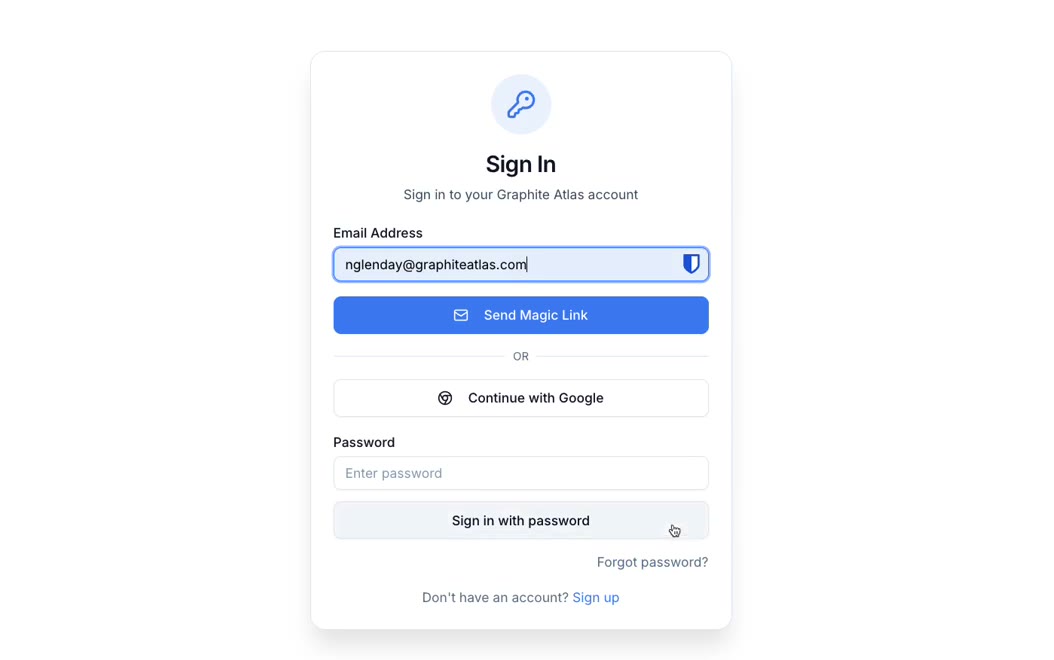
On the sign-in page, click Sign in with password instead. If you have never set a password, click Forgot password?
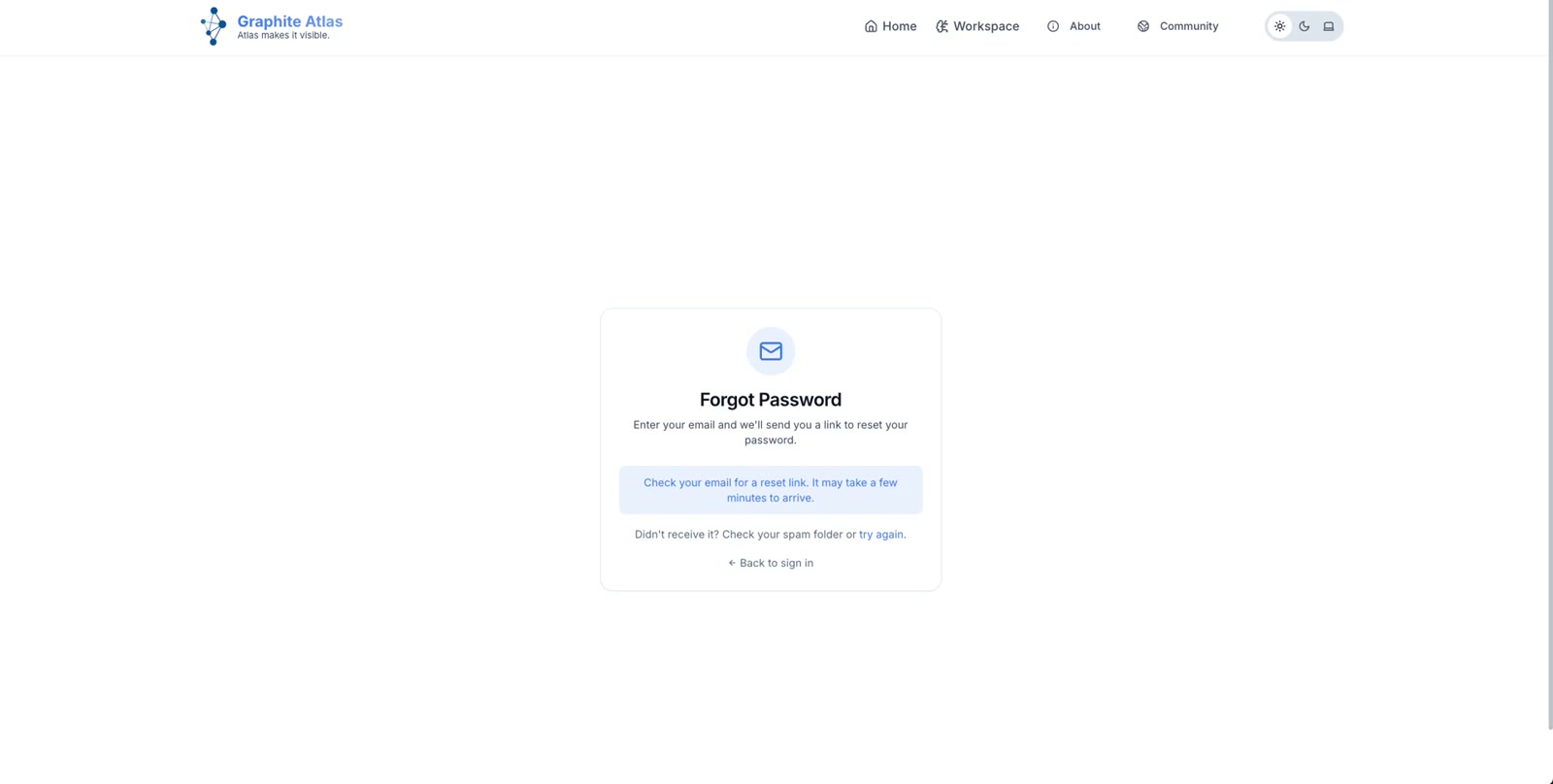
Enter your work email address and send the reset link.
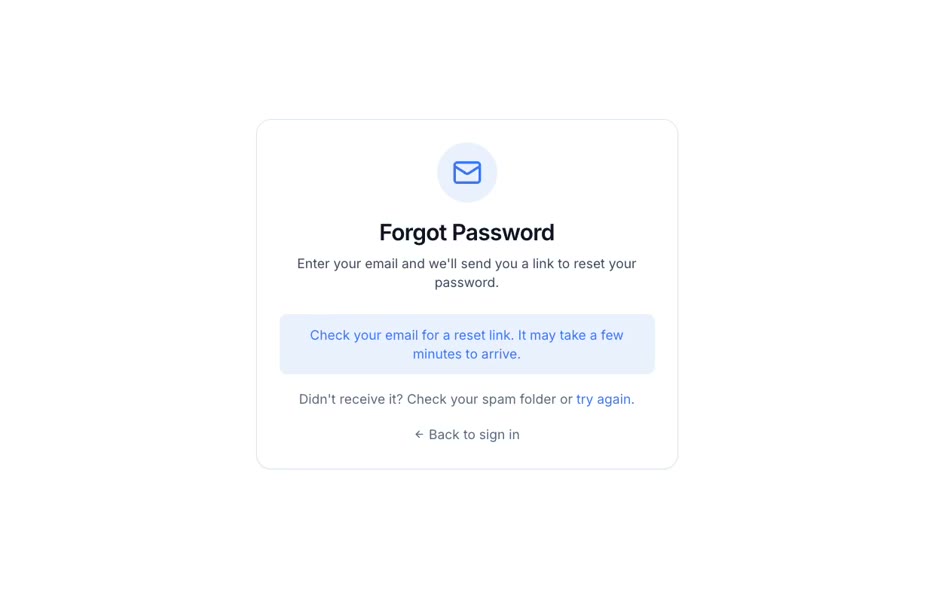
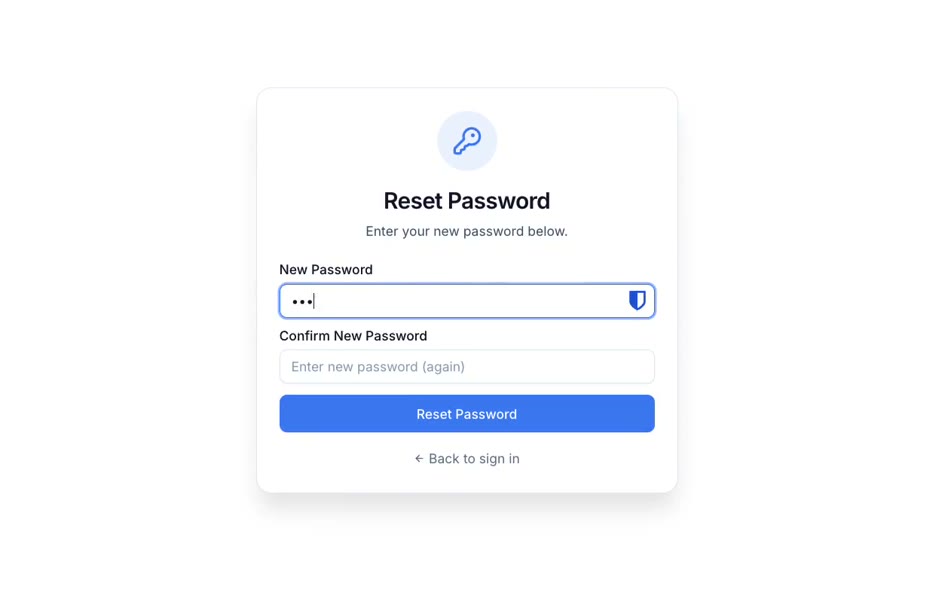
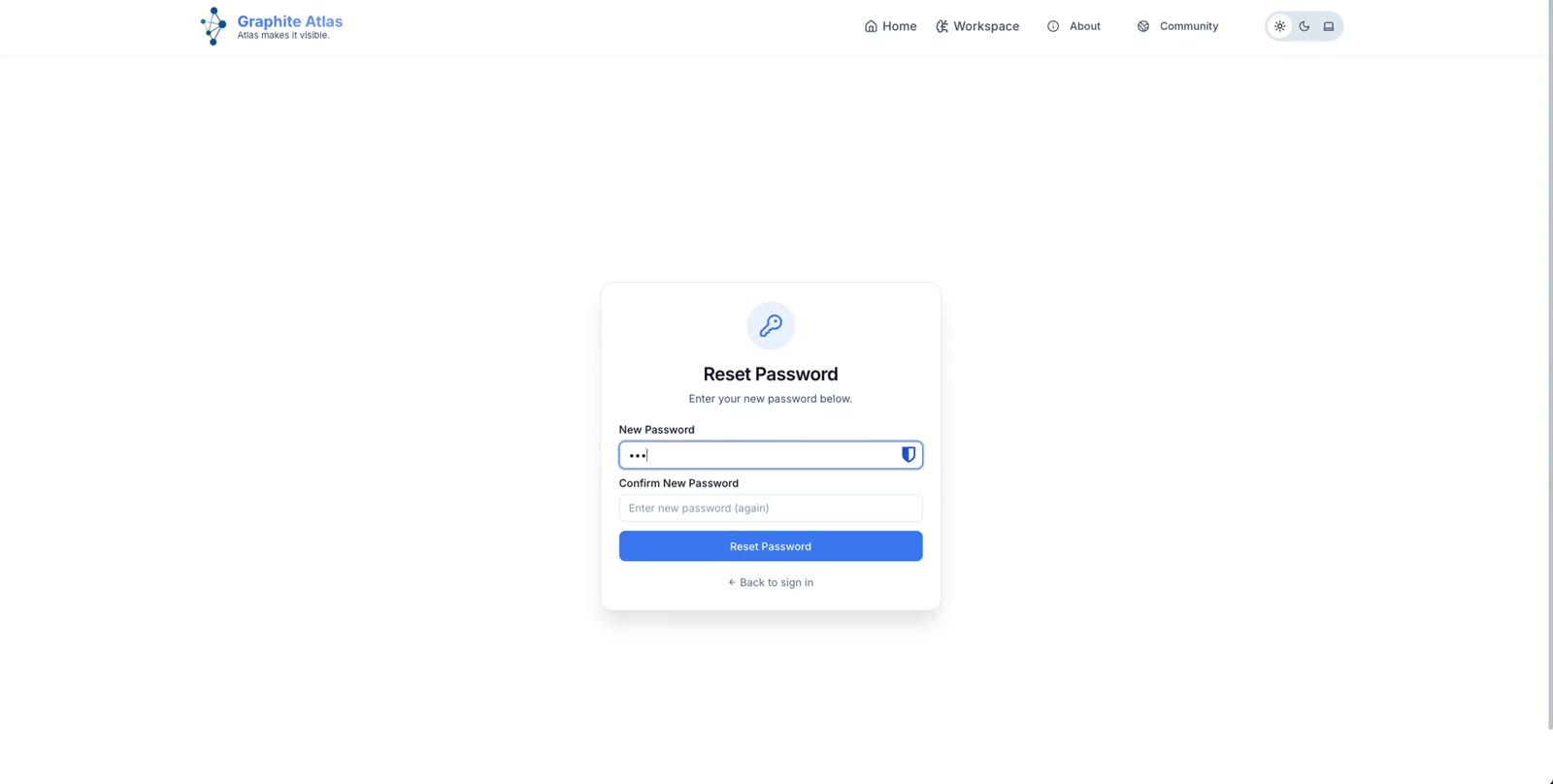
Open the email and click the reset link. Enter a new password twice and click Reset Password, then Sign in manually and sign in with your email and new password.

From then on you can use either way in.