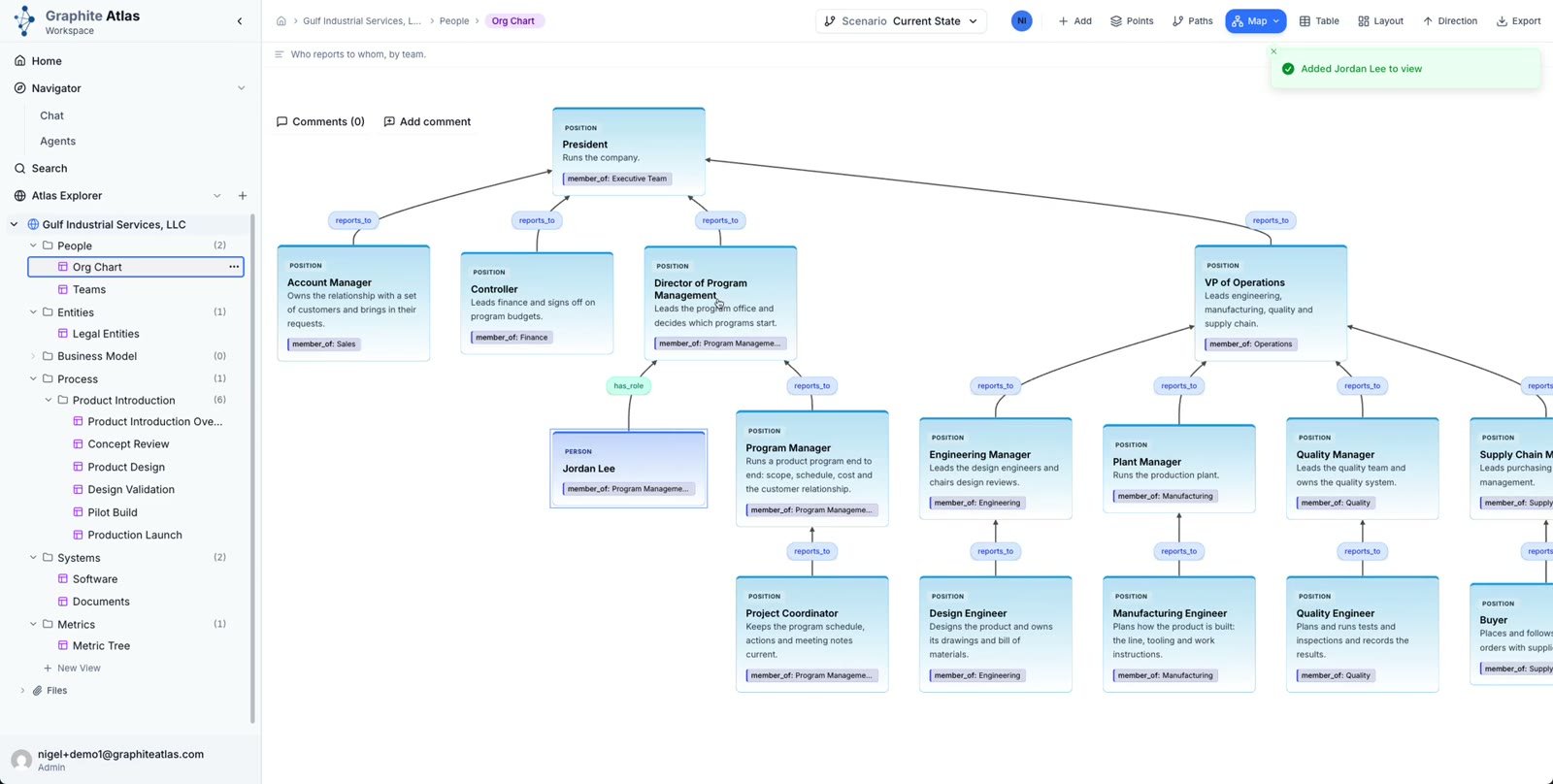
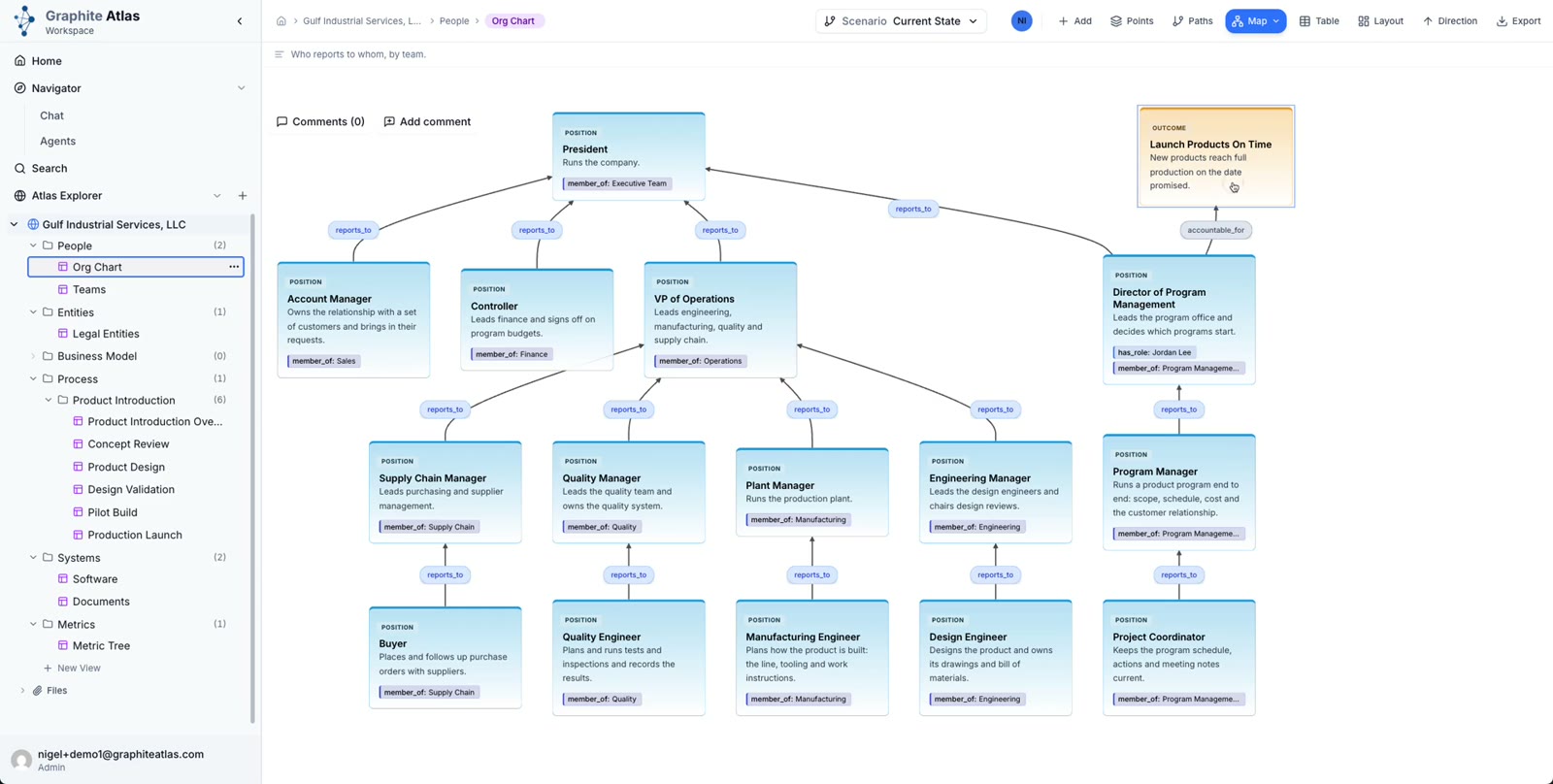
Point details
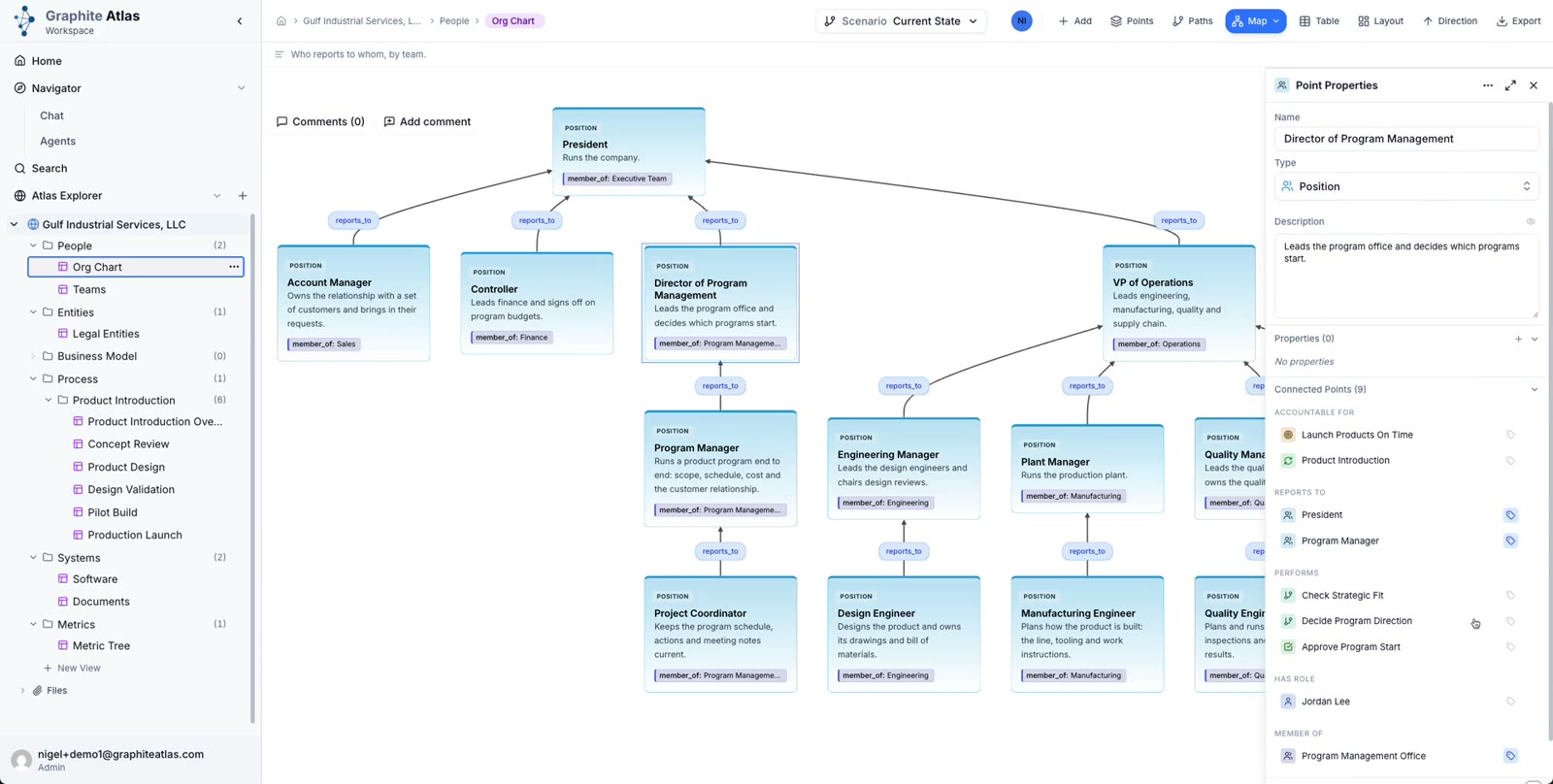
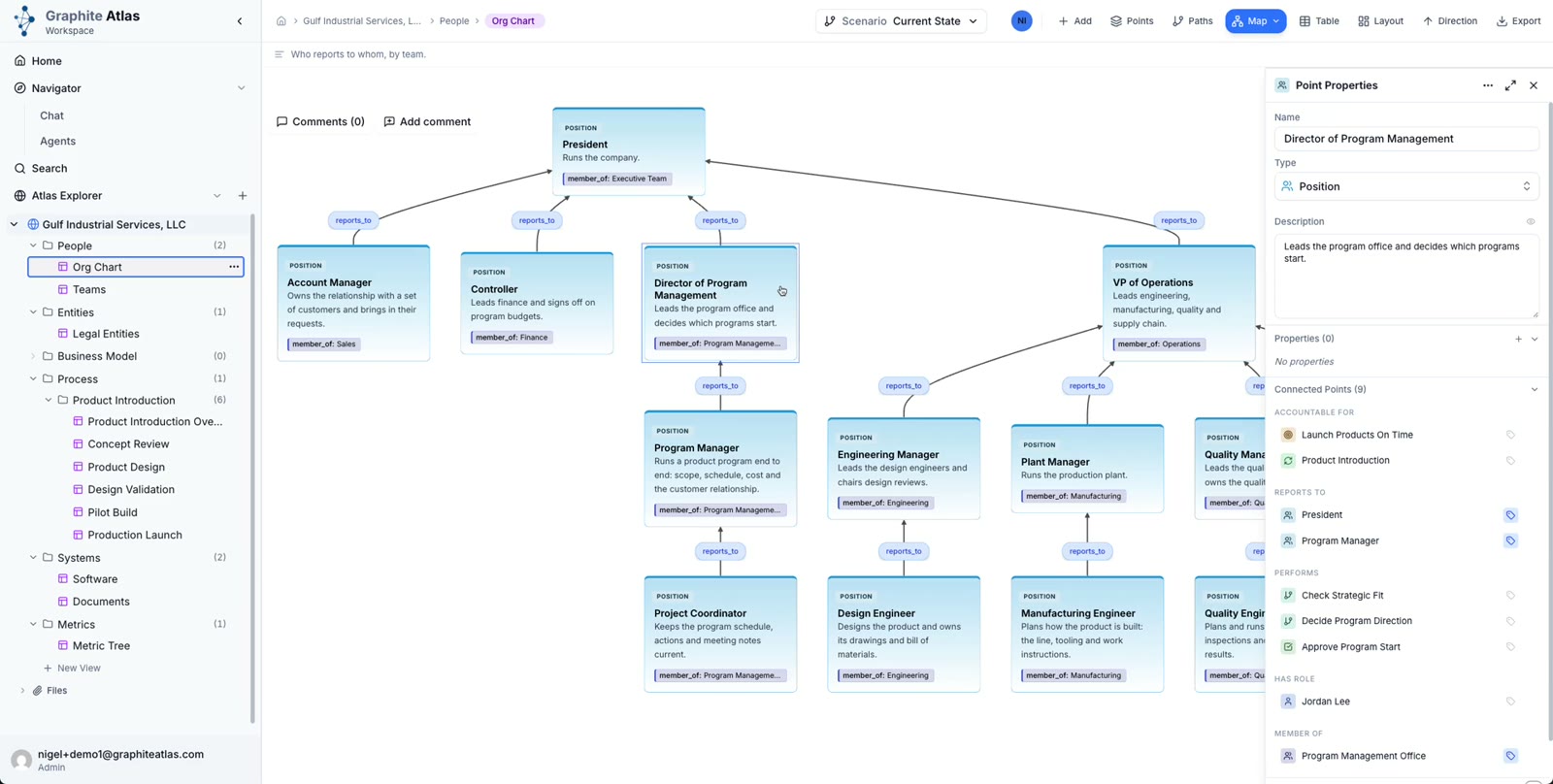
Double-click a card to open its Point Properties.
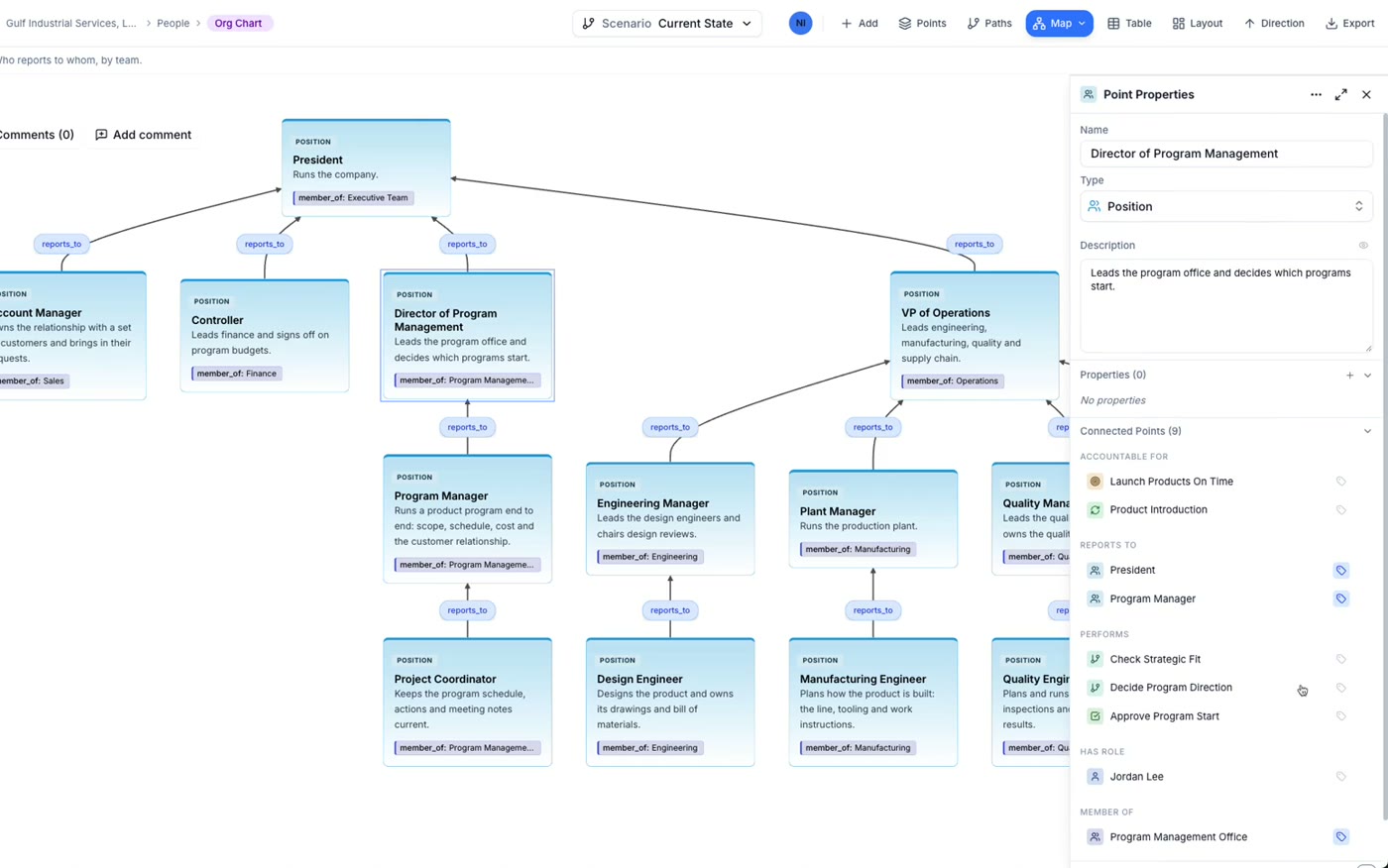
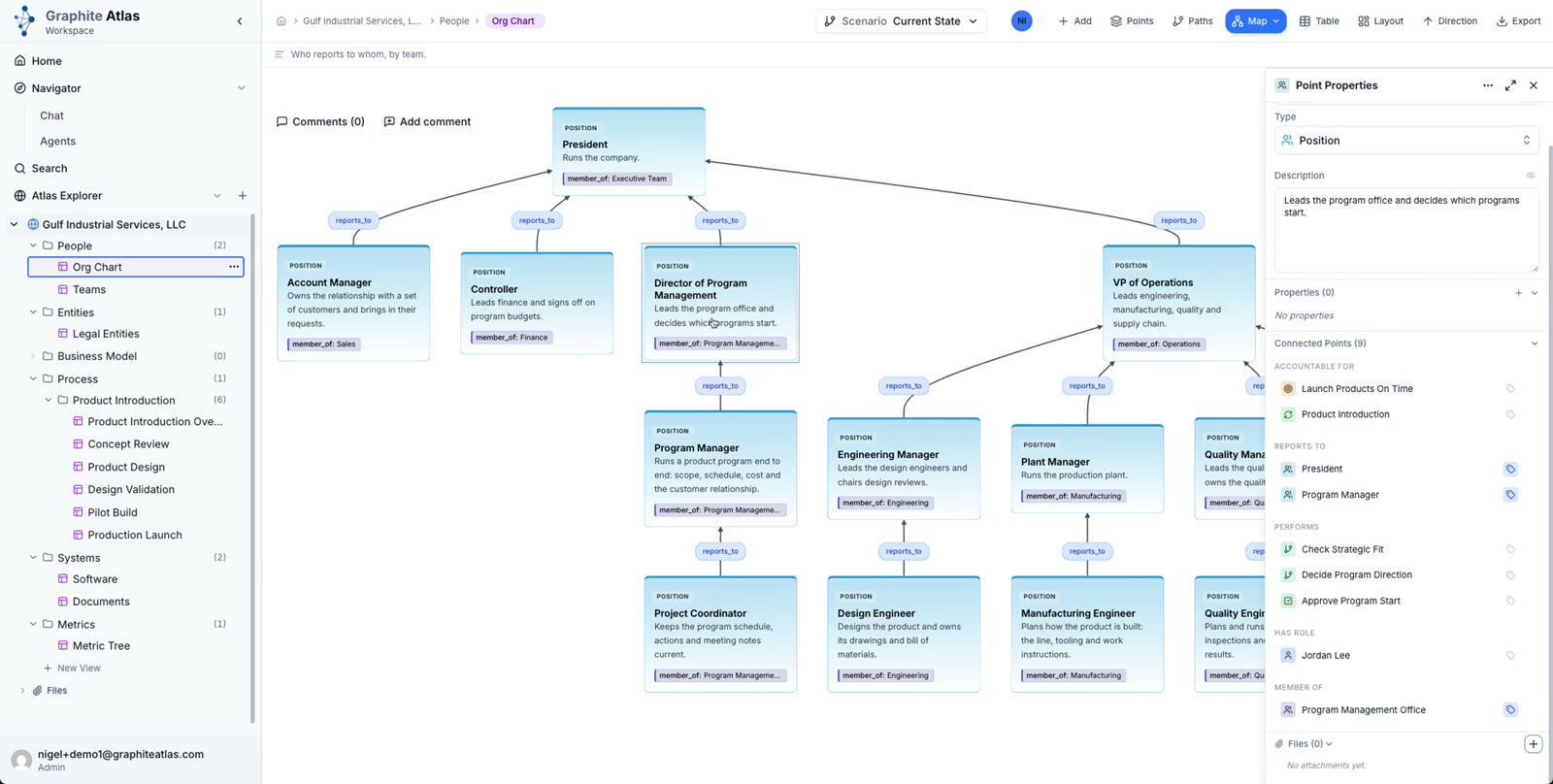
The panel shows the description and any properties.
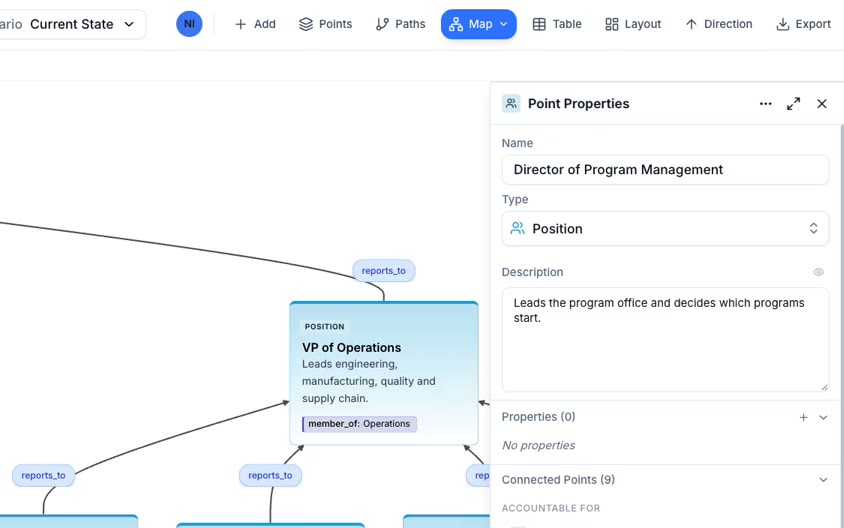
Connected Points lists every relationship the point has, including ones not drawn on this view.
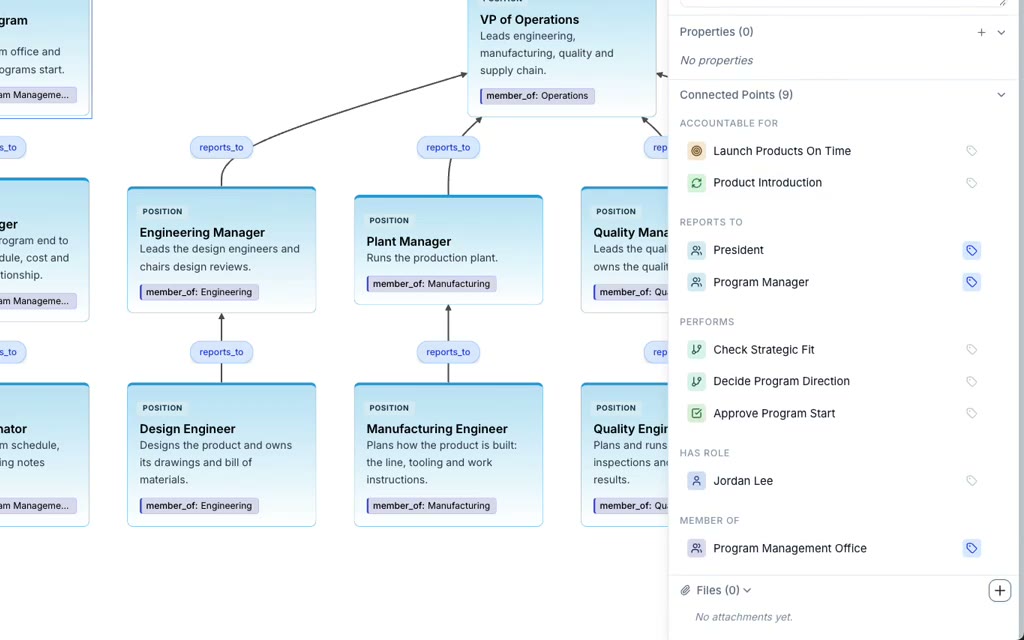
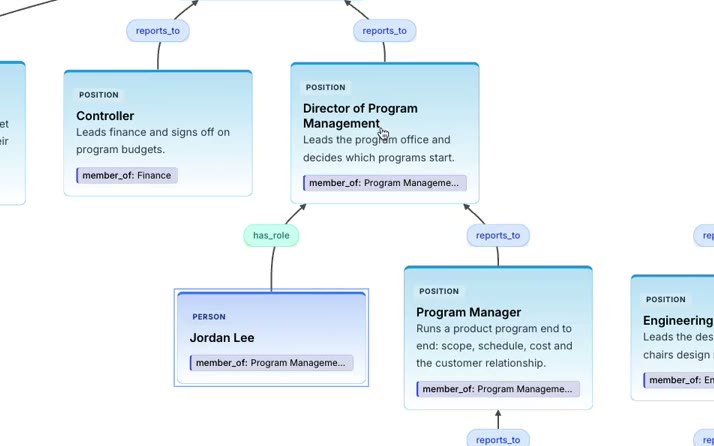
Expand the person who holds the role, here Jordan Lee.
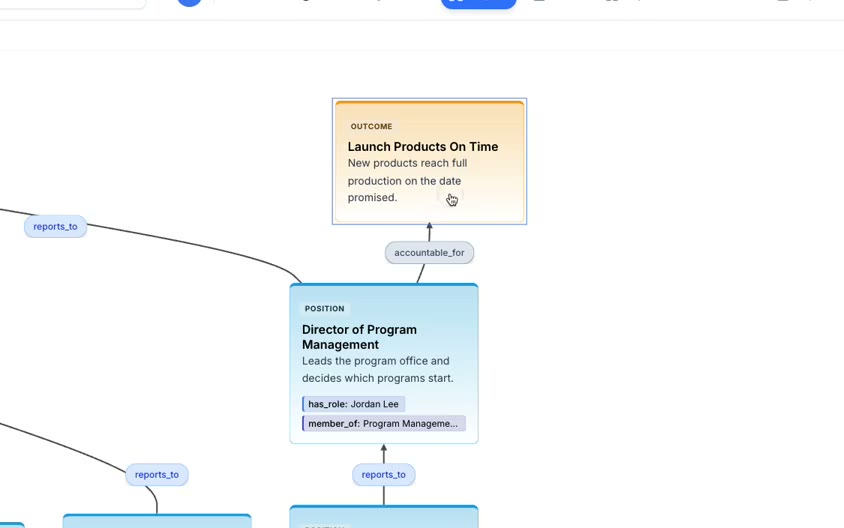
Accountable for shows what the role answers for, here Launch Products On Time.